 Skip to content


If your Google Business Profile looks complete but still underperforms, the problem is often hiding in plain sight. The attributes are there, the boxes are ticked, and yet the profile still feels generic, vague, or mismatched to what customers need. That usually means the business has treated attributes as admin work instead of using them as a relevance signal.
For local service businesses, that's a costly mistake. Business attributes help Google understand context, and context drives how confidently your profile fits nearby searches. Google's own profile guidance prioritises accurate business details, while independent optimisation guidance stresses consistency across the web to reduce confusion and support visibility, including the business name, address, phone number, hours, categories, attributes, and description Google Business Profile optimisation guidance.
The good news is that attribute optimisation is practical. It's not about filling every available option. It's about selecting the right attributes, keeping them truthful, and reviewing them often enough that the profile stays aligned with reality.
Table of Contents
- Why Business Attributes Matter More Than You Think
- Identifying the Right Attributes for Your Business
- Adding and Editing Attributes in Google Business Profile
- Best Practices and Compliance Guidelines
- Testing and Tracking Attribute Impact
- Common Mistakes and How to Avoid Them
Why Business Attributes Matter More Than You Think
A locksmith I worked with had a profile that looked fine at a glance. The category was right, the service area was right, and the description mentioned emergency callouts. But the attributes were thin, partly inaccurate, and never revisited after setup. Once we cleaned them up so they matched what the business offered, the profile became easier for customers to interpret and easier for Google to classify in local relevance terms.
Attributes are structured signals, not decoration
That difference matters. A description is free text, so it gives you room to explain services in plain English, and Google allows up to 750 characters for it Chatmeter's GBP optimisation guide. Attributes are different, because Google treats them as structured fields, not marketing copy. You can't persuade your way through them with clever wording, you either select a factual attribute or you don't.
Practical rule: if the attribute would sound misleading to a customer who arrived at the door, leave it off.
That structured nature is why attributes can affect local visibility. Google uses profile location and business details to judge relevance for nearby searches, and service-area businesses can define where they serve rather than relying only on a storefront address Chatmeter's GBP optimisation guide. In practice, attributes help Google confirm what kind of business you are, what conditions you support, and which search intent fits you best.
Guessing creates weak relevance
Businesses that guess at attributes usually end up with a profile that looks broad but not sharp. The listing may appear to cover more ground, but the signal gets diluted. A restaurant that selects accessibility, payment, seating, and dietary attributes it offers gives Google a clearer picture than a business that checks boxes just because they look helpful.
That's the core trade-off. More isn't better if the extra attributes are noisy. Strategic selection creates a cleaner match between the profile, the service, and the customer's search intent, which is why this small part of GBP work deserves its own workflow.
For a broader local SEO framework that ties this kind of profile work into rankings, see this practical local search strategy guide.
Identifying the Right Attributes for Your Business
The easiest mistake is starting with the list of available attributes instead of starting with the business itself. The right approach is operational, not cosmetic. Walk through how you serve customers, then map those real-world facts to Google's attribute categories.

Start with what customers would ask before they call
Ask the questions customers already ask at the point of decision. Do you take appointments, accept card payments, offer wheelchair access, allow outdoor seating, or serve a defined area instead of one fixed shopfront? Those are the kinds of facts attributes should reflect. A café and a boiler repair firm won't need the same set, even if both are trying to win local searches.
For example, restaurants often need to think about accessibility, payment methods, seating, and service style. A service-area business usually cares more about appointment handling, on-site service, and coverage area. The goal is to describe the business so the profile answers the right pre-sale questions before the phone rings.
Use a shortlist, not a wish list
A useful discipline is to keep the attribute set tight. Independent optimisation guidance recommends choosing only 5–7 factual attributes that are applicable, so the profile attracts qualified traffic rather than diluted relevance GBP optimisation guide 2025. That number is useful as a guardrail, not a hard rule. It stops teams from turning attributes into a dumping ground.
A simple internal audit works well:
- List the services you sell and identify which ones customers can verify on arrival.
- Check your on-site conditions such as access, parking, seating, or payment options.
- Compare each attribute against reality and reject anything that would confuse a customer.
- Review competitor profiles carefully, but only to spot gaps, not to copy blindly.
- Document the final set so future staff know why each attribute was chosen.
Treat competitor research as a gap check
Competitor research is useful when it shows what your market expects to see. If every credible competitor in your area highlights a certain amenity and your business offers it, that's a gap you should close. If a competitor lists an attribute that doesn't fit your operation, ignore it. Copying unverified attributes is one of the fastest ways to damage trust.
If you manage profiles centrally, the process is easier to scale. Our own profile tools make it straightforward to compare attribute coverage across locations, but the judgement still has to come from someone who knows the business. Software can surface the gap. The business has to confirm the fact.
Adding and Editing Attributes in Google Business Profile
Google's editing flow is simple once you know where to look. Open your Business Profile, choose Edit profile > More, pick the right attribute category, toggle each option to Yes or No, then save the change Google's attribute editing documentation. That basic flow is the same whether you're adjusting amenities, payments, or another structured attribute group.
Work directly inside the profile editor
Use the profile editor rather than trying to patch attributes through unrelated fields. Google keeps attributes separate from your description and service text for a reason. They're structured inputs, so the cleaner your workflow, the less likely you are to miss an accidental mismatch.
The categories matter. Google organises attributes by type, so you may need to move between different groups depending on your business. Some options will be available only because your primary category makes them relevant. Others may not appear at all, or they may be greyed out when they don't fit the profile type. That's normal, not a bug.
If you manage the profile through a central interface, Google Business Profile Manager guidance is useful for keeping the update process organised across teams.
Save the facts, then verify the result
After saving, check the profile in both Google Search and Google Maps. Don't assume every change shows instantly or the same way in every surface. I always recommend recording the attribute set in a simple change log so there's a clear history of what was changed, when it was changed, and why. That saves time later when someone asks why an attribute disappeared or why a location profile looks different from the rest.
Keep a screenshot or written record of the final attribute set for each location. When attributes change, that record is often the fastest way to spot accidental drift.
Batch updates can be efficient, but only if the facts are already confirmed. If you're managing several locations, update the shared attributes first, then review local exceptions one by one. That avoids the common mistake of applying the same profile shape to every branch when the actual customer experience differs by site.
Best Practices and Compliance Guidelines
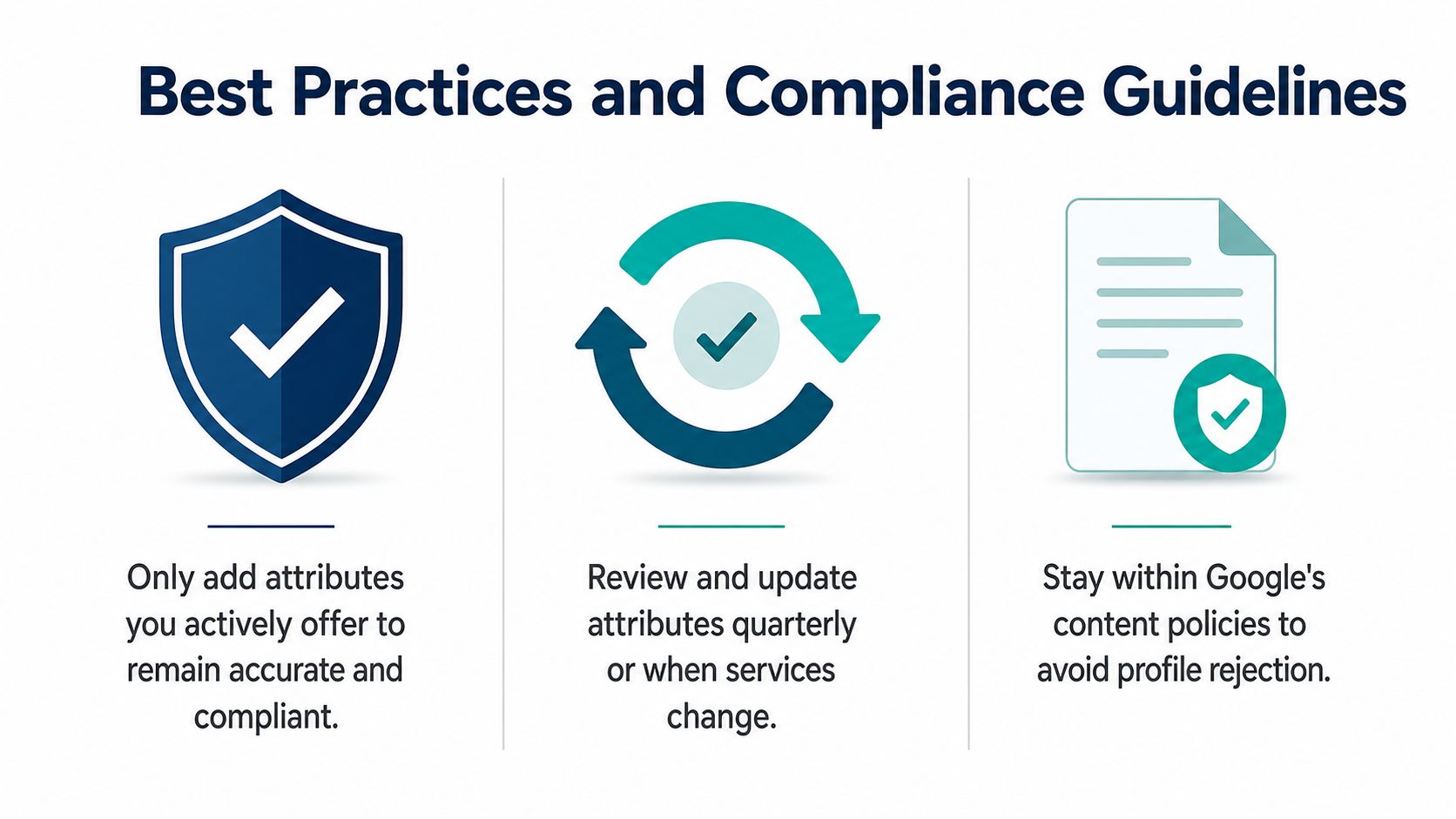
A profile can look tidy on the surface and still drift out of sync fast. Staff changes, seasonal service shifts, and updates to phone systems, opening hours, or service coverage are usually where accuracy starts to slip. Google's guidance for business profiles emphasises accurate name, address, phone number, categories, hours, attributes, and descriptions, and independent guidance stresses keeping those details aligned across the web to reduce confusion and support visibility.
Keep the profile aligned with the business, not the marketing plan
Business attributes should reflect the customer experience you deliver. If you do not offer on-site appointments, do not select an attribute that suggests you do. If your service area has changed, update the profile so the attribute set and location details still match how you operate.
That consistency matters because Google uses profile data to judge relevance for nearby searches. If your website says one thing, your directory listings say another, and the profile says a third, both customers and Google have less reason to trust the listing.
Build compliance into maintenance, not crisis response
Attributes should sit inside a wider GBP maintenance cadence. Independent optimisation guidance recommends checking the profile monthly, posting weekly, and refreshing photos quarterly, while reviews and hours should also be reviewed on a recurring schedule GBP optimisation guide 2025. I treat attributes as part of that same rhythm, especially after service changes, seasonal changes, or location edits.
If you manage profiles centrally, Google Business Profile management guidance is useful for keeping the update process organised across teams. The practical payoff is consistency, but only if someone with real operational knowledge checks the facts before anything goes live.
A clean compliance routine usually includes:
- Reviewing attributes against current operations whenever services, access, or payment options change.
- Keeping the business name real-world accurate rather than keyword-stuffed.
- Updating location and service-area details together so the profile does not contradict itself.
- Maintaining a change log so staff can see what was edited and why.
- Checking the public profile after edits to confirm the live listing still matches the source of truth.
Avoid the fake accuracy trap
The riskiest profiles are the ones that look polished but are not honest. A profile with too many convenient attributes often creates customer frustration after click-through, and that hurts trust more than having a leaner set. Attributes work best when they reinforce the category, the description, and the service area rather than trying to cover every possible search term.
For teams that want a single operating model, Chatmeter's GBP optimisation guide can help frame the workflow without turning the profile into a manual chore.
Testing and Tracking Attribute Impact
Attribute work should earn its place in your local SEO plan. If you can't tell whether a change helped, you're just tidying a profile and hoping for the best. The cleanest way to measure impact is to record a baseline, change one meaningful variable, and watch how visibility behaves across the service area.
Start with a baseline before you touch anything
Before changing attributes, capture current performance. In local SEO terms, that means documenting where the profile appears in the map pack, how visible it is across your target area, and which customer actions are already coming through. If you have a geo-grid tracker, use it to record the current ranking pattern so later movement is visible, not assumed.
Our platform is built around that kind of comparison, but the principle works with any solid local SEO stack. You want a before-and-after view, not a memory test. For each location, note the attribute set, the primary category, and any recent profile edits so you can separate attribute changes from other work.
Watch the right signals, not vanity metrics
The metrics that matter most are the ones tied to customer behaviour. Look at map pack presence, local search impressions, calls, direction requests, website visits, and booking actions if the profile supports them. Those signals tell you whether the profile is being discovered and whether searchers are moving further down the funnel.
A practical testing pattern is simple:
- Change one attribute category at a time so you know what caused the shift.
- Hold the rest of the profile steady during the test window.
- Track the geo-grid pattern across your service area after the edit.
- Compare search visibility and customer actions against the pre-change baseline.
- Log the result even if nothing moves, because a non-result is still useful.
Use competitor coverage as a benchmark, not a template
Profile analysers are useful because they show where your listing is lighter or richer than the businesses ranking around you. That comparison helps you see whether a missing attribute might be holding you back, or whether your profile already covers the same ground as the market leaders.
The key is discipline. If you alter ten things at once, you won't know what mattered. If you change one factual attribute group, wait long enough to see a pattern, and compare it against stable tracking data, you'll learn much more. That's the kind of workflow that turns attribute management into a measurable task instead of a guess.
Common Mistakes and How to Avoid Them
The biggest attribute mistakes are usually caused by overconfidence. Business owners assume the profile is already “good enough”, then leave it untouched while services, hours, and customer expectations keep changing. That creates a slow drift between the profile and the business, which is exactly what you don't want in local search.
Too many attributes usually weakens the signal
One common mistake is checking every attribute that looks remotely useful. That doesn't create breadth, it creates noise. If the profile starts implying services or conditions that don't consistently apply, customers lose confidence and Google gets a muddier picture of the business.
The fix is straightforward. Cut the set back to the attributes that are true and operationally important. If you're already using the 5 to 7 most relevant ones, you're probably in the right range for a well-focused profile, assuming those attributes match the actual business.
Stale attributes create customer friction
Another mistake is treating the first edit as the last edit. If parking changes, appointment handling changes, or a location stops offering a specific service, the attributes need to change with it. Outdated attributes don't just affect rankings, they can also create a bad customer experience when someone arrives expecting something the business no longer provides.
Copying competitors without checking reality backfires
Competitor profiles are a useful reference point, but not a source of truth. If you copy an attribute because a ranking rival has it, you may inherit their mistake instead of improving your own listing. That's especially dangerous when the attribute relates to accessibility, payment, or service availability, because those details are easy for customers to verify in person.
The warning signs are usually clear. If the profile gets calls from the wrong kind of enquiry, if staff keep correcting customer assumptions, or if the listing looks inconsistent across Google and your website, the attribute set needs another pass. Use your change log, confirm the facts on the ground, and adjust the profile before the mismatch becomes a reputational problem.
If you want a faster way to audit attribute coverage, compare locations, and keep the profile work tied to real ranking data, VisiLocali gives you a practical place to start. Use it to review your Google Business Profile, spot the attributes that are missing or inconsistent, and turn those findings into the next clear action.
