 Skip to content
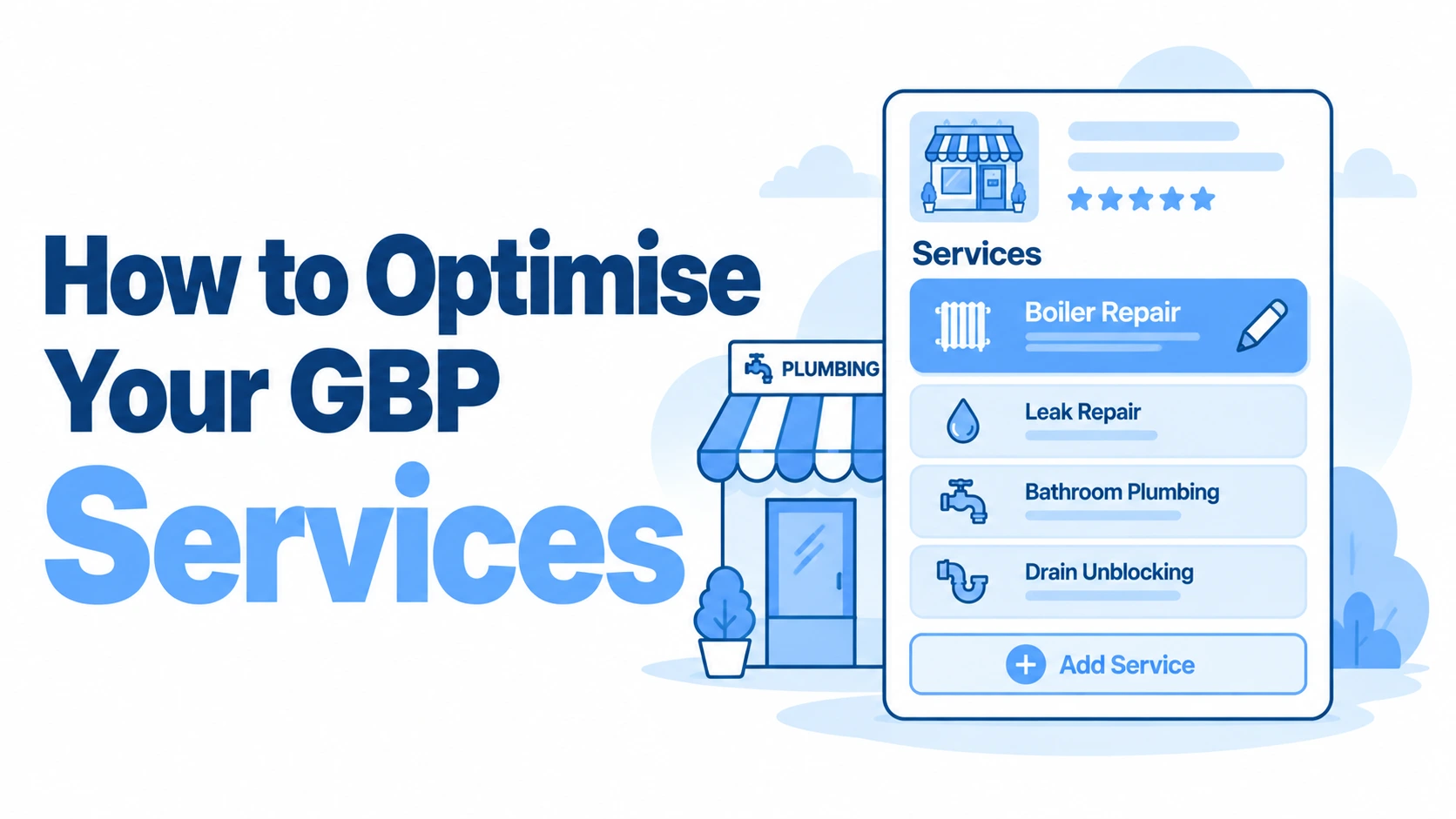
Your Google Business Profile services section is one of the most underused tools in local search, yet it directly shapes how potential customers find and choose your business. Getting it right can mean the difference between showing up for “emergency boiler repair in Leeds” or being invisible entirely.
In-house Professional Local SEO Specialist Guidance
Analyse the Services Offered by Top-Ranking Competitors
Research the Google Business Profiles ranking for your most important searches and compare their services against your own. Look specifically for legitimate services competitors have added that you’ve overlooked.
For example, a locksmith might discover that competitors ranking for “locksmith near me” list services such as Lock Replacement, UPVC Door Lock Repair, Emergency Lockout and Lock Rekeying, while their own profile only lists “Locksmith”. Add any missing services that your business genuinely provides.
Add Every Important Service You Actually Provide
Don’t limit your GBP Services section to your three or four main services. Build a comprehensive list of the distinct services customers can genuinely purchase from you and add each relevant one.
For example, an accountancy firm might add Bookkeeping, Payroll Services, VAT Returns, Corporation Tax Returns, Self Assessment Tax Returns and Company Accounts rather than simply listing “Accounting”.
Use Specific Service Names
Avoid vague service names when a more specific description accurately represents what customers can purchase. Break broad services into recognisable individual offerings where appropriate.
For example, a roofing contractor could replace a single generic Roofing Services entry with genuine offerings such as Roof Repairs, Flat Roofing, Roof Replacement, Chimney Repairs and Gutter Replacement, making the scope of the business much clearer.
Write a Useful Description for Each Service
Don’t just add the service name and leave it there. Where available, use the description to explain exactly what the service includes, who it’s for and any important specialisms.
For example, a family solicitor offering Divorce Solicitor Services could explain that the service covers divorce applications, financial settlements and advice throughout the separation process, rather than repeating “professional divorce solicitor services”.
Find Missing Services from Your Own Website
Your website may already contain services that have never been added to your Google Business Profile. Review your navigation, service pages and sub-service sections and compare them directly against your GBP Services.
For example, a dental practice might have dedicated website pages for Dental Implants, Invisalign, Composite Bonding, Teeth Whitening and Emergency Dentistry, but discover that only “Dentist” and “Cosmetic Dentistry” are represented within its GBP. Add the missing services that accurately reflect treatments the practice provides.
The Strategic Value of the Google Business Profile Services Editor
The services editor gives you a structured way to tell Google exactly what you offer. Unlike your business description, which is a single block of text, the services section breaks your offerings into individual, searchable entries, each with its own title, description, and optional price.
How Service Listings Influence Local Search Rankings
Google uses your service listings as ranking signals for relevant queries. A plumber in Bristol who lists “blocked drain clearance” as a specific service has a stronger chance of appearing when someone searches that exact phrase than one who simply mentions drains in their description. These listings feed directly into how Google matches your profile to user intent.
Differentiating Between Primary and Additional Categories
Your primary category determines which default services Google suggests, but additional categories unlock further service options. A locksmith who adds “security system installer” as a secondary category can then list alarm fitting and CCTV installation as services. Choose categories strategically: they’re the gateway to the services you can list.
Structuring Your Service Menu for Maximum Visibility
A well-organised service menu helps both Google and potential customers understand the full scope of what you do. Think of it as a menu in a restaurant: logical groupings make everything easier to find.
Organising Services into Logical Custom Sections
Group related services under custom section headers. An estate agency might create sections like “Residential Sales,” “Lettings,” and “Property Management.” This structure signals to Google that you cover distinct service areas, and it helps customers quickly scan your offerings without wading through a jumbled list.
Selecting High-Intent Keywords for Service Titles
Your service titles should mirror what real customers type into Google. Instead of “Consultation,” write “Free Home Survey” or “Initial Dental Consultation.” Tools like VisiLocali’s GBP Audit can highlight where your service titles may be missing keyword opportunities that competitors are already capturing.
Crafting Compelling Service Descriptions
Each service entry gives you 300 characters to make your case. That’s roughly two sentences, so every word needs to earn its place.
Utilising the 300-Character Limit Effectively
Lead with what the customer gets, not what you do. “Same-day repair for faulty boilers, including parts and labour, across Manchester and Salford” tells the reader exactly what to expect. Avoid vague language like “quality service” or “professional results” that could apply to literally any business.
Highlighting Unique Selling Points and Local Benefits
Use this space to mention what sets you apart: 24-hour availability, free callouts within a certain radius, or specific accreditations. Mentioning your service area (even a neighbourhood or postcode) adds local relevance that helps with geo-specific searches.
Adding Fixed or Starting-At Pricing for Transparency
Google lets you add a fixed price or a “from” price to each service. Listings with visible pricing tend to attract more engaged clicks because they pre-qualify the customer. A “from £65” label on a drain unblocking service filters out tyre-kickers and draws in people ready to book.
Leveraging User Interactions to Boost Service Authority
Your service listings don’t exist in isolation. Customer interactions reinforce their value in Google’s eyes.
Encouraging Reviews That Mention Specific Services
A review that says “brilliant job fitting our new bathroom” carries more weight for ranking in bathroom fitting searches than a generic five-star review. After completing a job, prompt customers with a specific question: “Would you mind mentioning the type of work we did?” This small nudge makes a real difference.
Using the Q&A Feature to Clarify Service Offerings
Seed your own Q&A section with questions customers frequently ask: “Do you offer emergency callouts on bank holidays?” or “Is there a charge for quotes?” Google indexes these answers, and they often appear prominently on your profile, adding keyword-rich content that supports your service listings.
Maintaining and Auditing Your Service List
Setting up your services once and forgetting about them is a common mistake. Profiles need regular attention.
Managing Google’s Auto-Generated Service Suggestions
Google sometimes adds suggested services to your profile based on your category. Review these regularly: some will be relevant, others wildly off-base. A dog groomer might find “pet boarding” added automatically despite never offering it. Reject anything inaccurate, as it can confuse both customers and the algorithm.
Aligning GBP Services with Website Landing Pages
Each service listed on your profile should ideally link to a corresponding page on your website. This consistency reinforces relevance. If your GBP lists “loft conversions” but your site has no dedicated loft conversion page, you’re leaving ranking potential on the table. VisiLocali’s GBP Management tool can help you keep your profile and website aligned as your offerings evolve.
Measuring Success Through Performance Insights
After optimising your GBP services, track whether the changes translate into better visibility and more customer actions. Google’s own profile insights show search queries, direction requests, and calls, but they only tell part of the story. VisiLocali’s Local Rank Tracker uses visual ranking grids to show exactly where your business appears across your target area, so you can see whether updated service listings are improving your position in specific locations.
Run a quarterly audit of your service list against your actual offerings and competitor profiles. Drop services you no longer provide, add new ones, and refine descriptions based on what’s generating enquiries. Optimising your GBP services isn’t a one-off task: it’s an ongoing process that compounds over time. If you’d like a clear picture of where your profile stands right now, VisiLocali offers a 14-day free trial across all plans, giving you access to profile audits, rank tracking, and management tools built around the work that actually moves the needle.
Related GBP Optimisation Articles
- How to Optimise Your GBP Products
- How to Optimise Your GBP Videos
- How to Optimise Your GBP Photos
- How to Optimise Your GBP Appointment, Booking and Order Link
- How to Optimise Your GBP Attributes
- How to Optimise Your GBP Service Areas
- How to Optimise Your GBP Primary and Additional Categories
- How to Optimise Your GBP Business Description
- How to Optimise Your GBP Website URL
- How to Optimise Your GBP Phone Number
- How to Optimise Your GBP Business Address
- How to Optimise Your GBP Business Name
- How to Optimise Your GBP Opening Hours
