 Skip to content


If your Google Business Profile serves three towns but only turns up in one, the problem usually isn't the work you do on-site. It's the way your profile tells Google where you operate. Most service-area businesses set that field once, then leave it alone while wondering why neighbouring towns stay stubbornly quiet.
That's where tension sits. Push the boundary too wide, and you dilute relevance. Keep it too narrow, and you cap your reach before you've even tested demand. The practical answer is to treat service areas as a ranking signal that has to match real fulfilment, real evidence, and real search behaviour, not as a box to fill for compliance.
Table of Contents
- Why Service Area Settings Matter More Than You Think
- Choosing the Right Setup for Your Business Type
- Setting Accurate Service Area Boundaries
- Aligning Your Profile Content with Service Areas
- Testing Your Changes with Geo-Grid Rank Tracking
- Common Mistakes and Policy Compliance
Why Service Area Settings Matter More Than You Think
A plumber can do excellent work across three towns and still rank well only in the one closest to base. That isn't a mystery, it's how local relevance tends to behave when the profile and the world footprint don't line up cleanly. Google's service-area structure sits inside the business profile location settings, and Google says service areas can be added or removed at any time, with a limit of up to 20 service areas by city, postal code, or other areas on the profile itself (Google Business Profile support).
Local relevance starts with the verified location
The verified address remains the anchor even for service-area businesses. Independent GBP guidance notes that the strongest local relevance signal remains the verified physical location, while the service area field mainly clarifies where you go to work rather than replacing the address signal altogether (RankAI guidance on service-area optimisation). That's why a trader based in one town can still get visibility in nearby places, but not evenly across every place they ticked into the profile.
The distinction matters between Map Pack visibility and appearing somewhere in search results. A business can show up for brand searches, broad local queries, or low-confidence placements without holding a stable Map Pack position where it matters. Service areas don't override proximity, categories, reviews, and profile completeness, they sit alongside them.
Practical rule: if the profile says you serve a town, your website, photos, reviews, and operating pattern should make that feel true.
Why guessing causes weak coverage
A service-area field is not a wish list. If you add places you rarely visit, the profile starts to look noisy, and Google has less reason to trust the boundary. The most effective profiles tend to be the ones that reflect actual operating patterns, not the broadest possible draw on a map.
For UK service businesses, the historical shift matters too. Google formalised postcode- and city-based coverage as the official way to represent mobile or on-site service delivery in Business Profile management (Google Business Profile support). That gave local operators a clean structure, but it also made sloppy setups easier to spot.
Choosing the Right Setup for Your Business Type
The first decision isn't about which towns to add. It's about how your business should appear in the profile at all. A home-based consultant, a mobile dog groomer, and a tradesperson with a workshop don't need the same configuration, because each one sends different signals to Google and to customers.
Address shown or hidden
If customers visit your premises, a visible address can make sense. If they don't, hiding the address and operating as a service-area business usually matches reality better. Google's own guidance says service-area businesses should use the actual area they serve rather than inflating coverage, so the profile should reflect how customers experience the business, not how far the owner would like to stretch it.
A home-based consultant who never receives clients may be better off with a hidden address and a tightly defined service area. A mobile dog groomer almost always fits the service-area model because travel is part of the service. A tradesperson with a workshop and occasional appointments at base may need a hybrid structure, but only if the workshop is part of customer interaction.
The settings that matter most
The two core controls are simple, but they're often misused.
- Address visibility: show it only if customers visit.
- Service area toggle: use it to define the places you cover.
If you leave the address public for a business that doesn't serve walk-ins, you create a mismatch. If you hide the address for a customer-facing location, you throw away useful proximity signals. Both mistakes make the profile harder for Google to interpret.
Matching structure to how you work
The right setup is the one that matches fulfilment. A workshop-based installer who also travels to homes should not force a storefront model just because it looks more established. A mobile service with no real customer-facing location should not pretend to be a shop.
The point is consistency. When your address visibility, service areas, categories, and review geography all tell the same story, the profile feels stable. When they clash, ranking tends to get patchy and customer trust drops before anyone calls.
Setting Accurate Service Area Boundaries
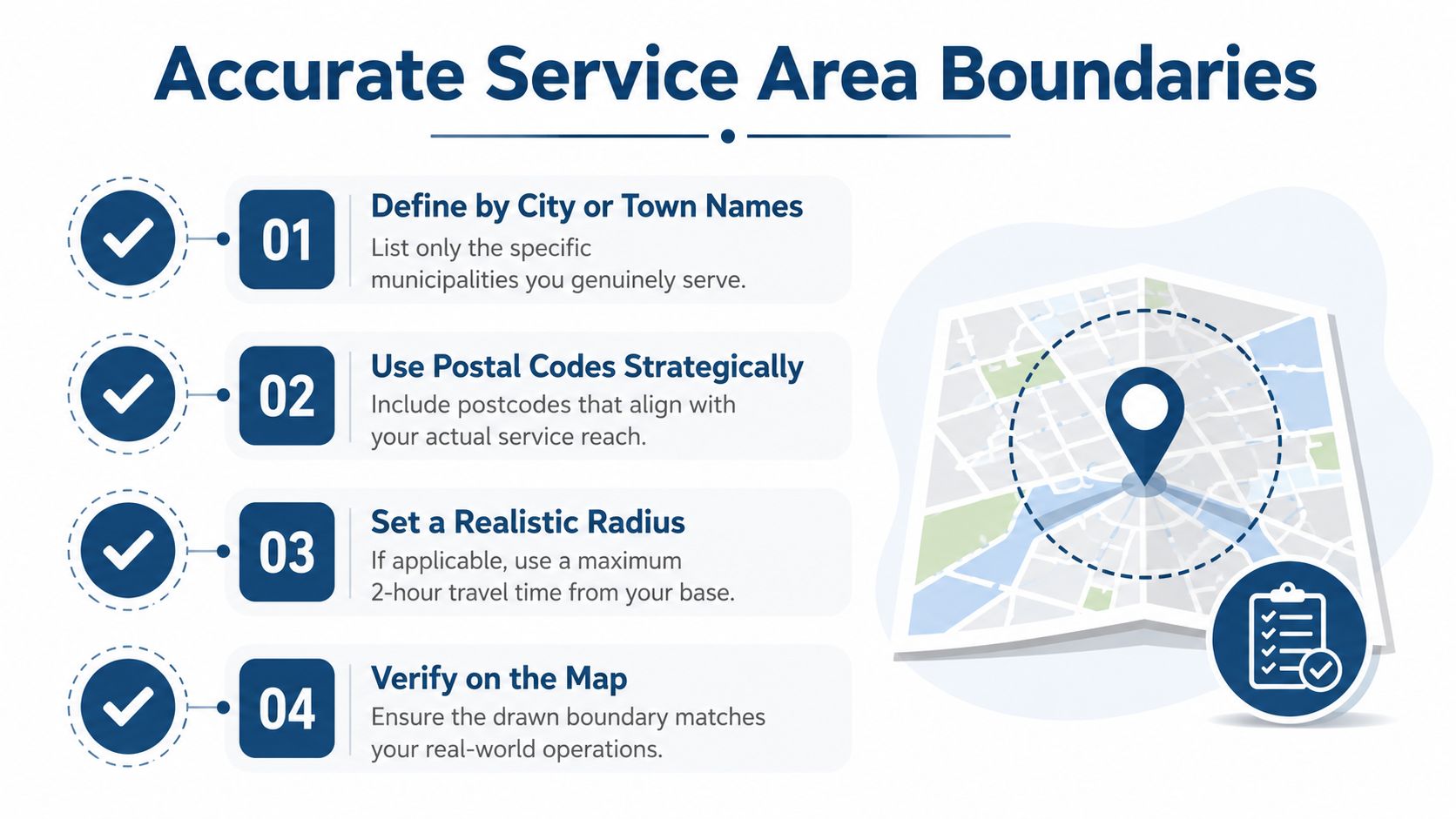
The biggest mistake I see is overreach. Businesses list every town they have ever covered, or they cut the boundary so tightly that they keep disappearing the moment someone searches a little farther out. Both choices weaken the profile.
A better boundary starts with real search behaviour and real fulfilment.
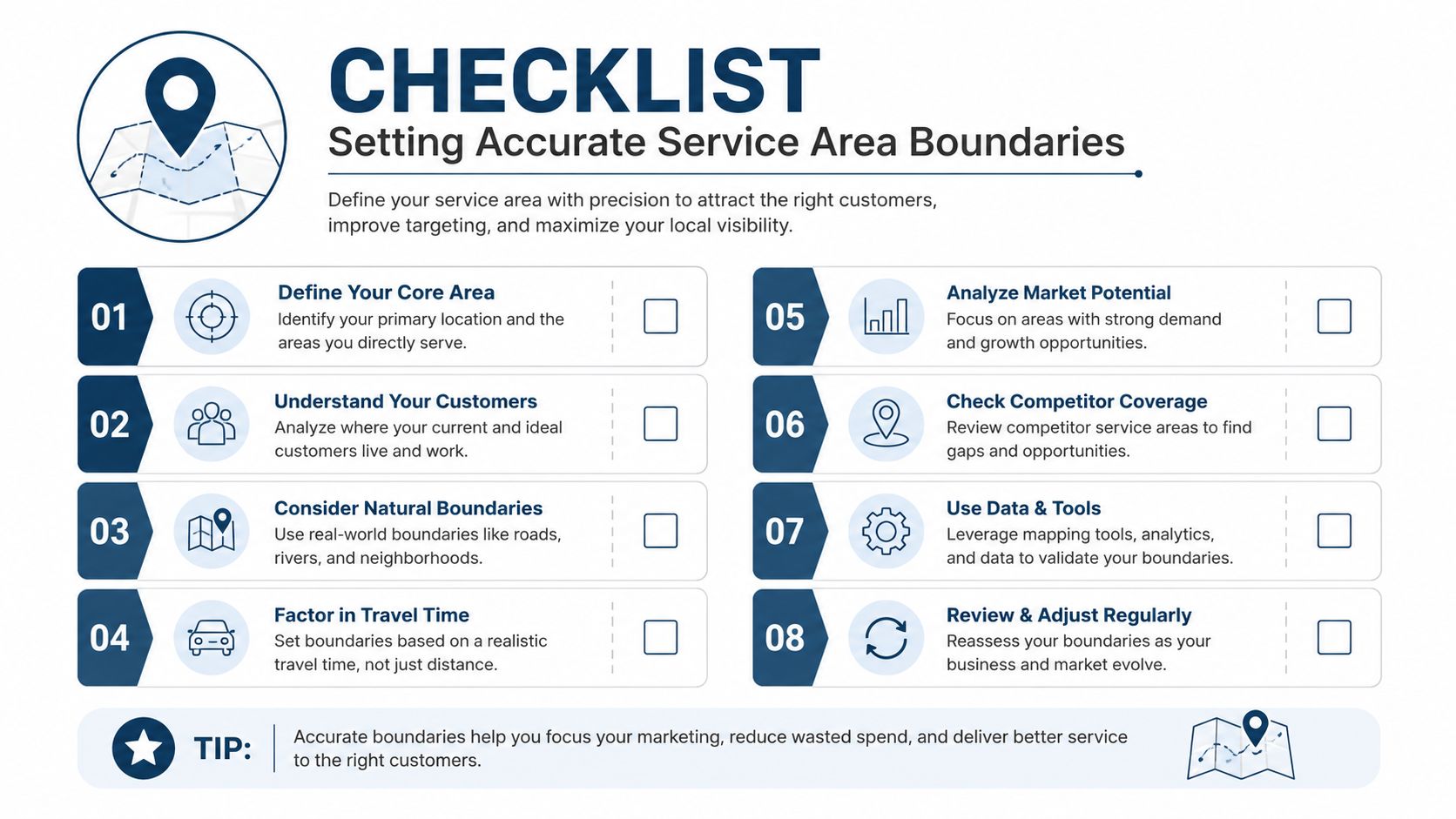
Use places people recognise
Google's support flow allows service areas to be set by city, postal code, or other areas (Google Business Profile support). That lines up with how customers search. People type a town, a postcode, or a district. They do not usually think in terms of abstract circles around a base.
Named places are easier to manage and easier to defend. If you cover Bristol, Bath, and Weston-super-Mare, list those places directly. If your work follows postcode clusters, use the postcodes that match the routes you can serve properly. A vague boundary drifts fast, and once it drifts, the profile starts telling Google a story that does not match daily operations.
Prune for relevance, not ego
Google lets service-area businesses define up to 20 service areas (Google Business Profile support). That ceiling is useful because it forces a choice. It makes you decide which places actually matter instead of spreading the profile across weak areas that barely generate work.
A tighter boundary often helps because it sharpens the relevance signal. One UK cleaning company I worked with cut its list from 18 areas to 9 and then saw stronger visibility in the towns that drove most of its enquiries. I would not treat that as a rule for every profile, because different sectors respond differently, but the pattern is familiar. Once the list gets too wide, the strongest locations stop standing out.
Useful filter: keep the areas you can serve repeatedly, profitably, and without pushing response times or logistics beyond what your team can handle.
A practical boundary test
Google's service-area guidance says businesses should use the actual area they serve. A widely used operational check is to keep that area within roughly two hours' drive of the base, which helps stop the profile stretching into places the business cannot realistically cover (OllyOlly guidance on service areas). That is not a hard rule, but it is a useful reality check.
Use it against your own data. If a town looks attractive on paper but regularly creates late arrivals, weak margins, or thin review volume, it does not deserve a place in the boundary. I usually compare the listed service area against geo-grid rank tracking before I make a final call. If the outer edge of the area shows weak visibility and the jobs there produce poor outcomes, the boundary is too wide. If core towns still rank well but the boundary excludes nearby demand, it is too narrow.
For a broader local SEO framework around the profile and website, local SEO best practices is worth using alongside this work.
The boundary should make the profile more believable, not more ambitious.
Aligning Your Profile Content with Service Areas
Service areas work best when the rest of the profile repeats the same geography in natural ways. Google looks at the whole listing, not just one field, so the category choice, business description, posts, photos, and reviews all need to support the same local footprint. That doesn't mean stuffing town names everywhere. It means making the profile sound like a real business that works in those places.
Categories and description carry the signal
Your primary category should match the main thing you sell, not the broadest label that sounds impressive. If the category is too generic, Google has less confidence about when to show you. Secondary categories help fill out the picture, but only where they accurately reflect your services.
The business description should read like a service summary, not an SEO checklist. Mention the core service, then mention the coverage area in plain English. A short line about serving surrounding towns is enough if the rest of the profile already backs it up.
If you want a broader local SEO framework for the surrounding website and citation work, this internal guide is useful: local SEO best practices.
Posts, photos, and reviews should echo the same towns
Google Business Profile posts are useful when they feature actual jobs or completed work in named places. A post about a boiler repair in one town does more for local relevance than a generic promotional message with no geography at all. The same logic applies to photos. If you regularly upload images from jobs in your target areas, the profile feels active in those places, not just labelled for them.
Reviews matter here too. Location names mentioned naturally by customers can reinforce where you're known to work. Don't script this or chase awkward phrases, just make the review request process easy and polite so customers describe the job in their own words.
A profile that says one thing in the service-area field and another thing in the description, posts, or reviews usually loses trust faster than one that is slightly smaller but internally consistent.
What consistency looks like in practice
A cleaning firm that serves a cluster of nearby towns should not post about random distant jobs while the service areas only show a narrower patch. A mobile mechanic should not hide behind a generic brand description if every service update, photo, and review points to specific towns. Consistency beats cleverness here.
If you only change one thing, make it alignment. The service-area list, the categories, the business description, the post content, and the review patterns should all point in the same direction. That gives Google fewer reasons to question where you belong.
Testing Your Changes with Geo-Grid Rank Tracking
Changing service areas without measuring the impact is guesswork. You might feel like the profile should improve, but feeling isn't useful when rankings shift town by town and street by street. Geo-grid tracking gives you a map of what changed.
Start with a baseline grid
A 5×5 or 7×7 grid scan centred on a target town is usually enough to see whether visibility is concentrated near base or spread across the area. VisiLocali's geo-grid maps are built for this kind of local comparison, and the point is simple, see where the profile already performs before making more edits. If you prefer a more lightweight check, a free rank checker for SEO tools can help you verify local positions before you adjust anything else.
The colour pattern is the story. Strong rankings close to base that fade at the edges usually mean the profile is anchored but not yet convincing enough in the outer towns. Patchy results in the middle of the grid often point to relevance problems, not just distance.
Change one thing at a time
If you alter the service areas, categories, and description all in one go, you won't know which change mattered. Make one edit, then wait for Google to re-index before scanning again. Otherwise, the data becomes noise.
A simple workflow works well.
- Record the baseline: capture the current grid before any edits.
- Make one change: adjust the service-area list or a matching profile field.
- Wait for re-indexing: don't keep editing while the scan is stale.
- Compare the new grid: look for movement in the target town and the surrounding cells.
Use the map to decide where to push next
The point of geo-grid data is not just reporting. It helps you decide whether to expand into a neighbouring town or stop chasing it for now. If the grid already shows decent visibility in one cluster and weak visibility in another, the weaker area may need more supporting signals before you widen the boundary.
That's the advantage of evidence-based service-area work. You stop arguing with hunches and start reading the map. A smaller boundary with better local performance is often more valuable than a bigger one that looks ambitious but never converts.
Common Mistakes and Policy Compliance
The biggest mistake with service-area setup is treating it like a wider net always brings better enquiries. In practice, broadening the list too far can blur relevance, especially when the profile starts claiming places the business rarely serves. That mismatch is exactly where visibility drops, because Google is trying to read a real operating pattern, not a wish list.
The mistakes that hurt most
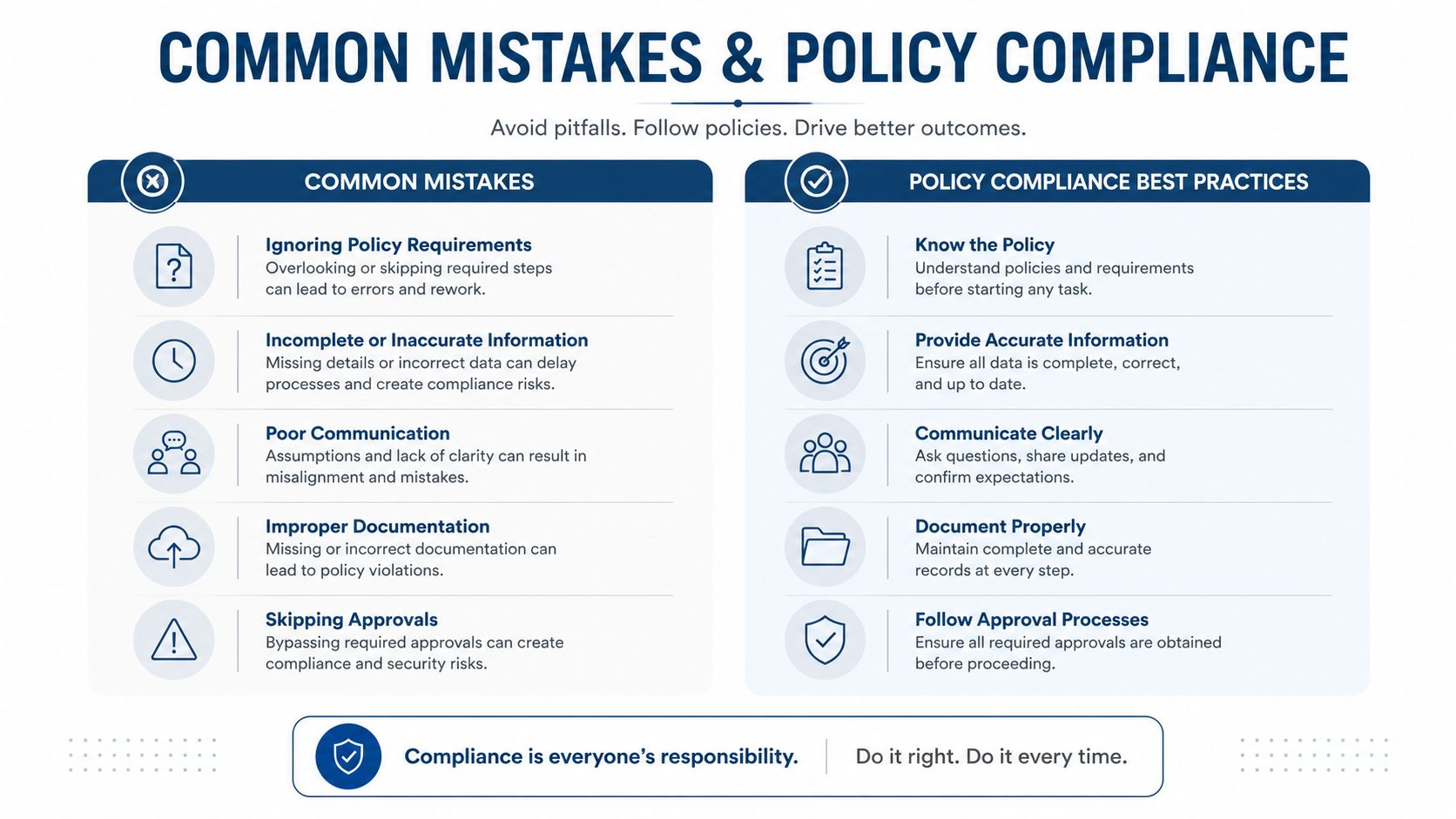
The worst issues usually show up in the same few ways.
- Distant towns added for vanity: if the team does not work there regularly, leave it out.
- Boundary inflation beyond real travel patterns: tie the service area to actual fulfilment, not optimistic reach.
- Clashing signals: if reviews, posts, and job photos keep pointing to one cluster while the service list points elsewhere, the profile starts to look inconsistent.
- Stretching beyond what the business can credibly cover: Google Business Profile support tells businesses to use the actual area they serve, which is the standard that matters here, not the size of the map. Google Business Profile support
There is also a practical compliance risk that gets overlooked. If a profile starts naming places the business does not serve, the issue is not just weaker rankings. It can trigger suspensions, edits being reverted, or a profile that keeps losing trust in local packs after repeated mismatches. That is the kind of problem I see behind many cases of why your business is invisible on Google Maps.
Cleaning up without losing momentum
If the service-area list has grown too broad, trim it in stages instead of wiping everything out at once. Remove the least believable areas first, then watch geo-grid movement and enquiry quality before touching anything else. A profile that shifts into a more credible shape often needs time to settle, and constant edits make it harder to see whether the changes helped.
The same logic applies to the rest of the profile. Posts, photos, and review prompts should match the service area you now want to rank for. If the profile says one thing and the content says another, Google gets mixed signals and users do too.
If a town appears only in the service area field, but never in jobs, reviews, or day-to-day operations, it usually weakens the profile rather than helping it.
The best boundary is not the widest one. It is the one you can support with service history, customer feedback, and grid data that all point in the same direction. That is where the trade-off sits, wider reach versus stronger relevance, and the grid is what helps you decide which side is worth the bet.
