Most local businesses get their website content roughly right but completely botch the structure underneath it.
They’ll have decent service descriptions, a few location pages, maybe even some blog posts, yet none of it connects in a way that tells Google: “This business serves these people in these places.”
The result?
A competitor with thinner content but better site architecture outranks them in Maps and local search results.
Getting your local SEO site architecture right is one of the highest-return investments you can make for your online visibility. It affects how Google crawls and understands your pages, how users find what they need, and ultimately whether your business shows up for the searches that matter in your area.
This guide breaks down the structural decisions that actually move the needle, from URL hierarchies and internal linking to mobile considerations and content siloing. If you already have a website and a Google Business Profile but feel stuck on what to fix next, focus here.
Foundations of Local-First Site Hierarchy
A site hierarchy built for local search looks different from a generic business website. The goal isn’t just to organise information logically: it’s to create clear geographic and service-based signals that search engines can follow without guessing. Every structural decision, from how you group pages to what sits in your main navigation, either strengthens or dilutes those signals.
Think of your site hierarchy as a filing system. If someone opened your website’s folder structure, could they immediately tell what you do and where you do it? If the answer is no, Google is likely struggling with the same question.
Understanding the Hub-and-Spoke Model
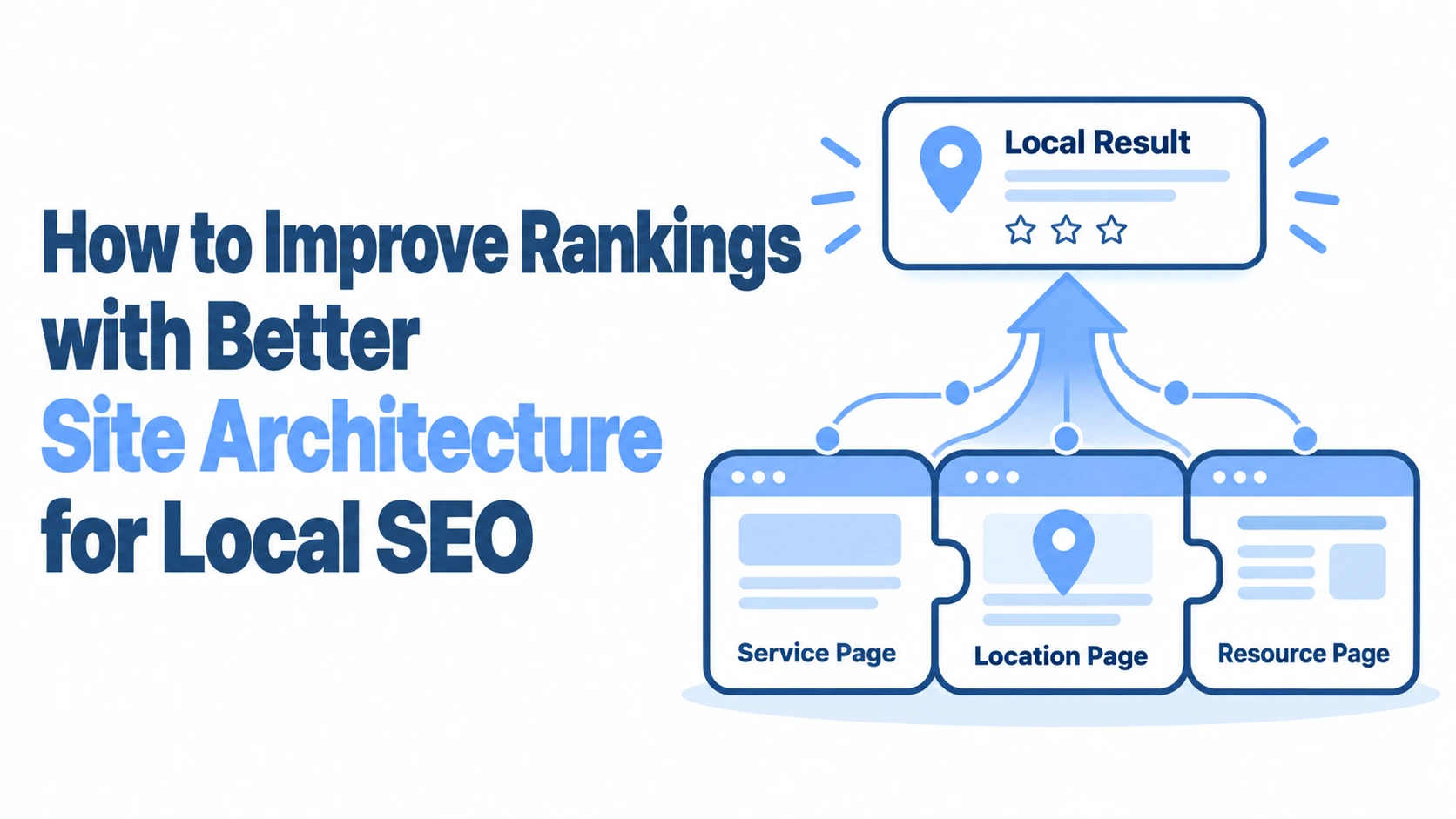
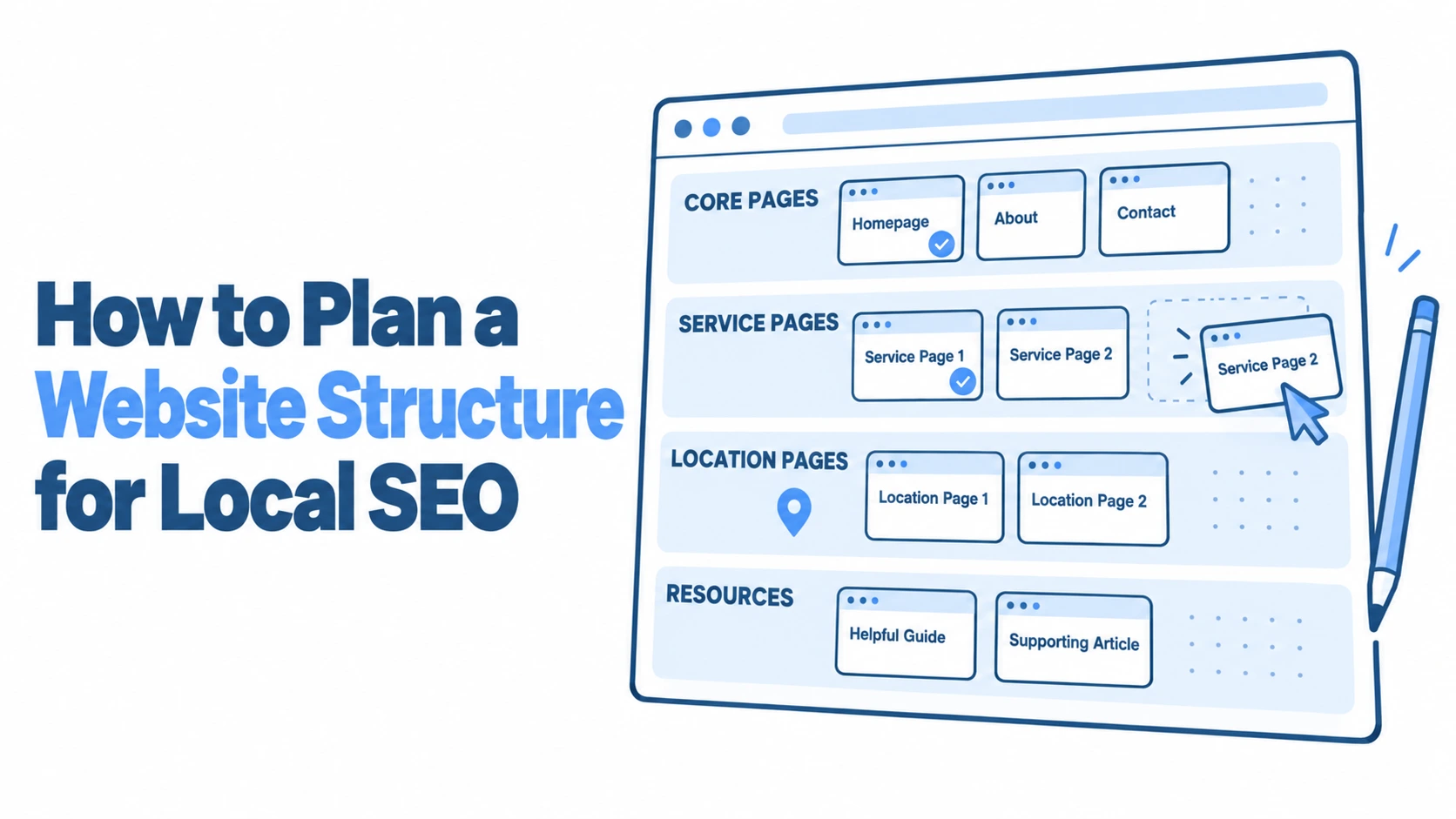
The hub-and-spoke model is the backbone of effective local site architecture. Your homepage acts as the central hub, linking out to primary service pages and primary location pages. Each of those pages then links to more specific sub-pages: individual service-location combinations, neighbourhood-specific content, or detailed case studies.
For a plumbing company in Manchester that also serves Salford, Stockport, and Bolton, the structure might look like this:
Homepage (hub) links to “Boiler Repair,” “Emergency Plumbing,” and “Bathroom Installation” (service spokes)
Homepage also links to “Manchester,” “Salford,” “Stockport,” and “Bolton” (location spokes)
Each location page links to relevant service pages for that area, and vice versa
This creates a web of relationships that Google can parse quickly. The key is that every spoke connects back to the hub and cross-links where relevant, rather than leaving pages orphaned at the edges of your site.
Balancing User Experience with Crawler Efficiency
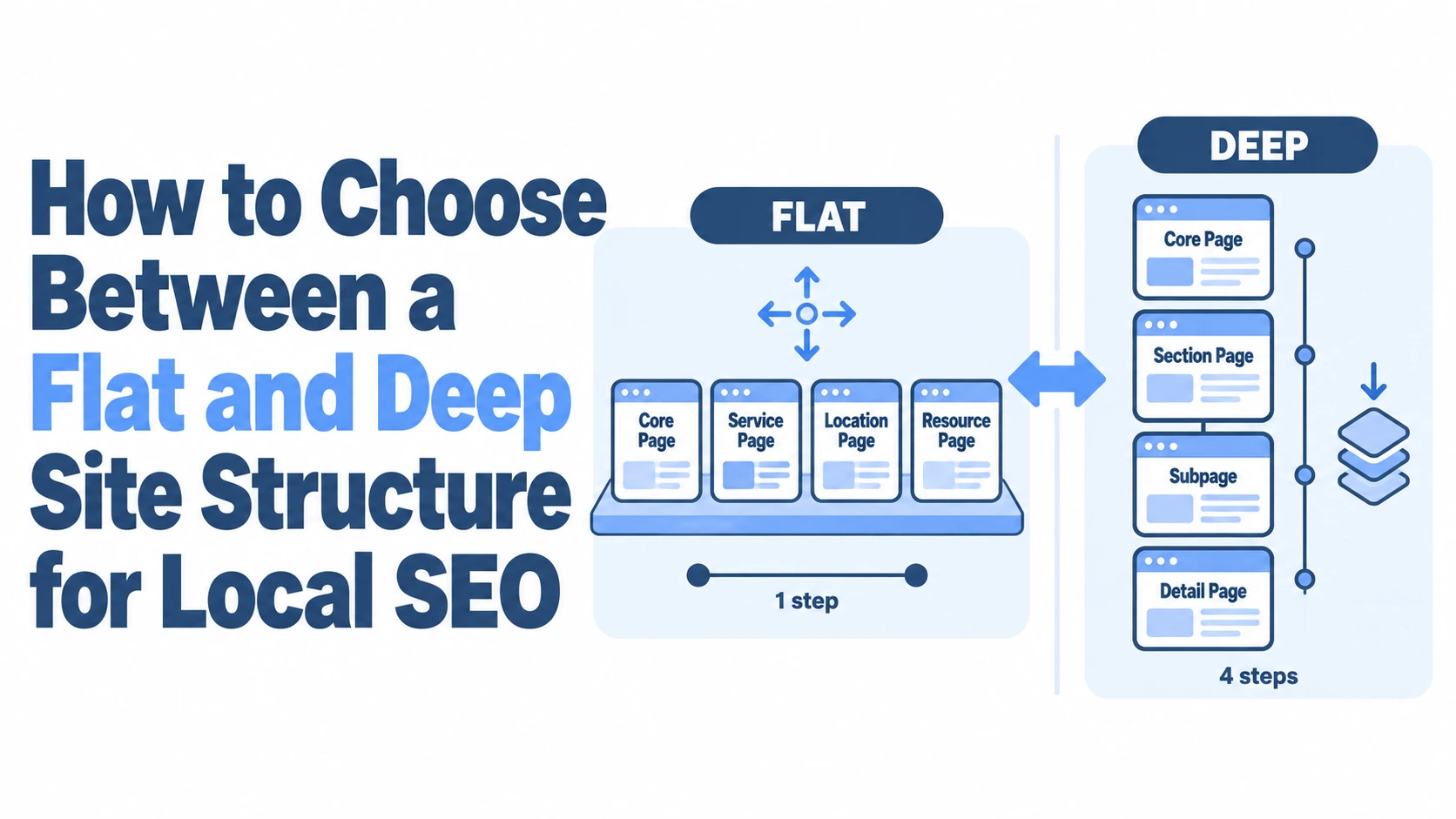
A structure that works for Googlebot but frustrates human visitors will hurt you in the long run. High bounce rates and low engagement send negative signals regardless of how clean your crawl paths are. The sweet spot is a flat-ish architecture where any page is reachable within three clicks from the homepage.
Resist the temptation to bury location pages deep in your navigation. If a potential customer in Leeds lands on your homepage, they should be able to find your Leeds-specific service page within two clicks. Mega menus can help here, but only if they’re well-organised and don’t overwhelm users with 80 links at once.
The Role of URL Structures in Local Relevance
Your URLs should tell a story. A URL like yoursite.co.uk/plumbing/leeds/boiler-repair communicates service, location, and specificity in a single glance. Compare that with yoursite.co.uk/page-id-4738, which tells nobody anything.
Consistent URL patterns also help with internal linking at scale. When you follow a predictable /service/location/ or /location/service/ pattern, it becomes much easier to build automated breadcrumbs, generate XML sitemaps, and spot gaps in your coverage. Pick a pattern and stick with it across every page.
Optimising Multi-Location Service Pages
This is where most local businesses either win big or create a mess. If you serve multiple areas, you need distinct pages for each, but those pages must genuinely differ from one another. Google has been penalising thin, duplicated location pages since the mid-2010s, and the filters have only gotten sharper.
Creating Scalable City and Neighbourhood Landers
A proper city or neighbourhood landing page isn’t a template with the location name swapped in. Each page needs unique content that reflects the reality of serving that area. Mention local landmarks, reference specific challenges (older housing stock in certain neighbourhoods means different plumbing issues, for instance), and include testimonials from customers in that area.
For businesses covering dozens of locations, here’s a practical approach:
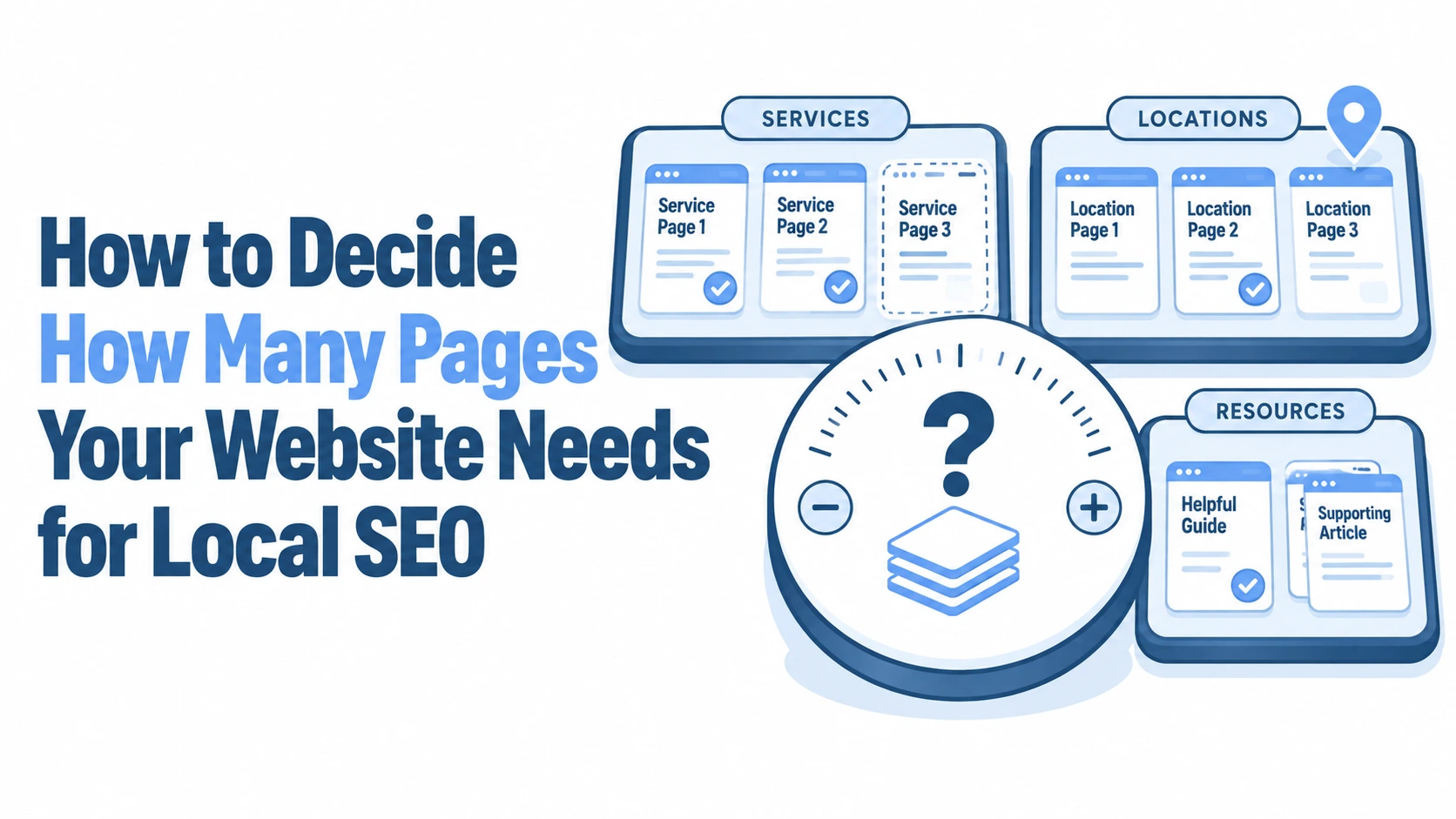
Start with your top five to ten revenue-generating areas and build genuinely detailed pages for each
For secondary areas, create slightly shorter pages but still include unique local details
Use a consistent template structure (intro, services offered, local context, reviews, contact details) but vary the actual content
Add each page to your sitemap and link it from the relevant parent location or service hub
If you’re using VisiLocali’s Local Rank Tracker, you can see exactly which areas you’re already visible in and which ones need dedicated pages. The visual ranking grids show your position across different points in your target area, making it obvious where a new neighbourhood page could fill a gap.
Avoiding Keyword Cannibalisation Across Regions
Cannibalisation happens when multiple pages on your site compete for the same search query. If your “Plumber in Manchester” page and your “Emergency Plumber Manchester” page are targeting nearly identical keywords, Google may not know which one to rank, and both suffer.
The fix is clear intent separation. Each page should target a distinct combination of service type and location. Map out your pages in a spreadsheet with columns for primary keyword, secondary keywords, target location, and page URL. If two rows look almost identical, merge those pages or differentiate their focus.
Integrating Local Business Schema Markup
Schema markup gives Google explicit data about your business rather than forcing it to interpret your content. For local businesses, the LocalBusiness schema type (or its more specific subtypes like Plumber, Dentist, or LegalService) is essential.
Each location page should include its own schema block with the correct name, address, phone number, opening hours, and geo-coordinates. If you have multiple locations, use separate LocalBusiness entities rather than cramming everything into one. This structured data reinforces the geographic signals your page content already provides and can improve your chances of appearing in rich results.
Strategic Internal Linking for Local Authority
Internal links are the circulatory system of your site architecture. Without them, even well-structured pages sit in isolation, unable to pass authority or context to one another. A deliberate internal linking strategy can be the difference between ranking on page one and languishing on page three.
Breadcrumb Navigation and Geospatial Context
Breadcrumbs do double duty: they help users understand where they are on your site, and they give Google an explicit hierarchy to follow. For local sites, breadcrumbs should reflect both service and geographic context.
A breadcrumb trail like Home > Plumbing Services > Leeds > Boiler Repair tells Google this page sits within a clear service-location hierarchy. Implement breadcrumb schema markup alongside the visible breadcrumbs to reinforce this signal. Most modern CMS platforms and SEO plugins support this natively, so there’s little excuse to skip it.
HTML Sitemaps for Enhanced Local Discoverability
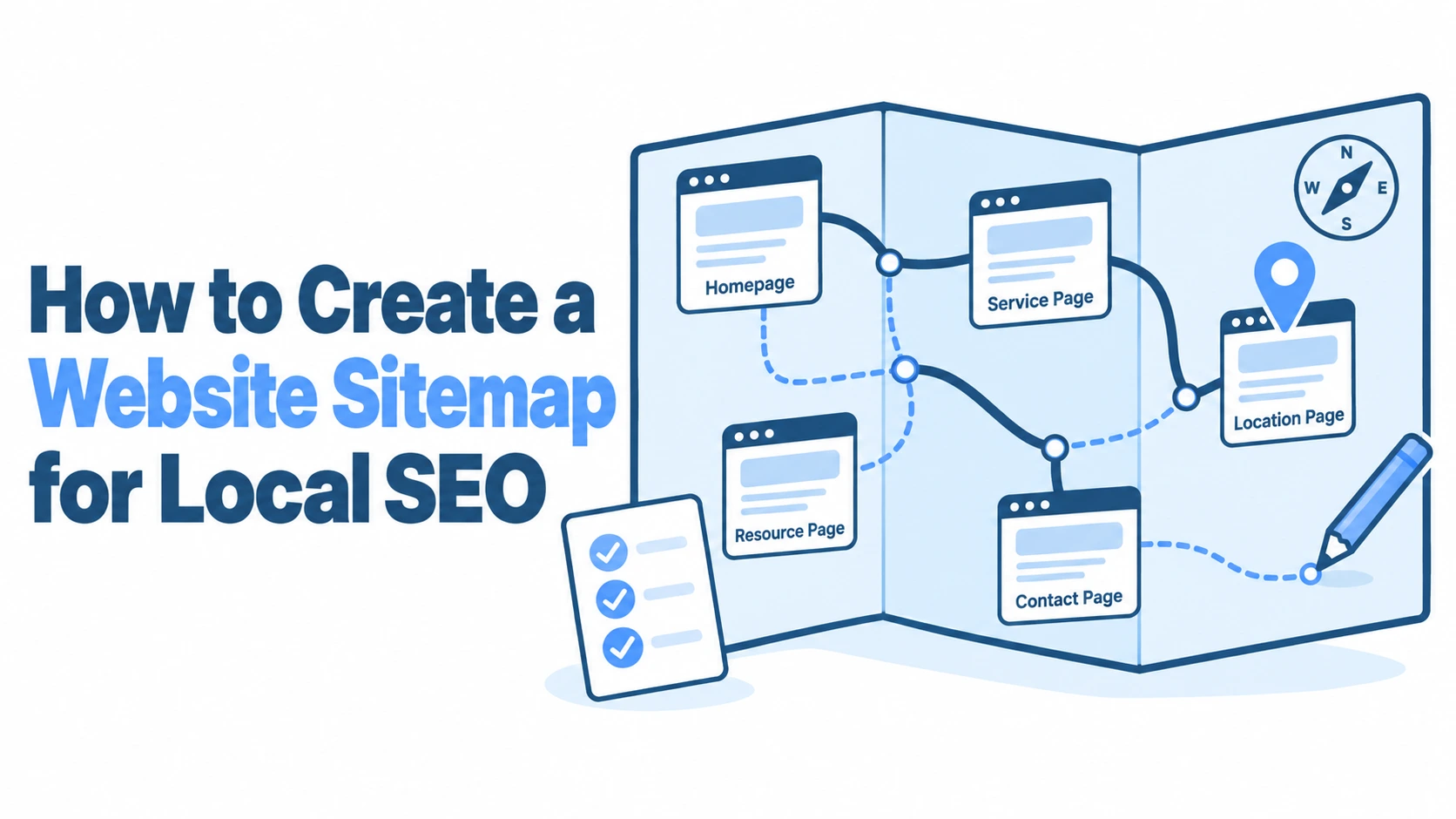
XML sitemaps feed search engines, but HTML sitemaps serve both crawlers and humans. An HTML sitemap page that organises all your service and location pages into a clear, linked structure gives Google another way to discover and understand your content hierarchy.
For local businesses with dozens of location pages, an HTML sitemap organised by region can be genuinely useful. Group your pages by county or metropolitan area, then list individual cities and neighbourhoods beneath each. This page becomes a crawl hub that ensures no location page is more than two clicks from the homepage.
Footer Optimisation for NAP Consistency
Your footer appears on every page of your site, making it a powerful place to reinforce your Name, Address, and Phone number (NAP) information. For single-location businesses, include your full NAP in the footer with schema markup. For multi-location businesses, link to a locations page or list your primary location’s details.
The critical rule is consistency. Your NAP in the footer must match your Google Business Profile exactly: same formatting, same phone number, same address abbreviations (or lack thereof). If your GBP says “St” but your footer says “Street,” that’s an inconsistency Google notices. Tools like VisiLocali’s GBP Audit can flag discrepancies between your profile and what’s on your website, giving you a clear list of what needs aligning.
Mobile-First Considerations for Local Searchers
Over 60% of local searches happen on mobile devices, and Google uses mobile-first indexing. Your site architecture needs to work flawlessly on a phone screen, not just on the desktop where you designed it.
Click-to-Call and Map Integration Placement
A local searcher on their phone often wants to do one of two things: call you or get directions. These actions should require zero effort. Place a click-to-call button in your header (sticky, so it follows the user as they scroll) and embed Google Maps on every location page.
Don’t bury your phone number in a “Contact Us” page three clicks deep. For service businesses, the phone number should be visible on every page, ideally as a tappable element in the top navigation. Test this on actual devices: what looks fine in a desktop browser’s responsive mode sometimes behaves differently on a real iPhone or Android handset.
Core Web Vitals and Hyper-Local Load Speeds
Google’s Core Web Vitals (Largest Contentful Paint, Interaction to Next Paint, and Cumulative Layout Shift) directly affect rankings. For local businesses, slow pages are especially costly because mobile users on the move have even less patience than desktop users.
Common culprits for slow local pages include unoptimised hero images, heavy map embeds that load synchronously, and third-party review widgets that block rendering. Lazy-load your map embeds so they only activate when a user scrolls to them. Compress images to WebP format. And if you’re using a page builder that generates bloated code, consider whether a lighter theme might serve your local pages better. Every 100 milliseconds of improvement in load time can translate to measurably better engagement and, over time, better rankings.
Content Siloing for Niche Local Dominance
Content silos group related pages together so that each cluster builds topical and geographic authority. Rather than scattering blog posts and service pages randomly across your site, silos create focused sections that signal deep expertise in specific areas.
Structuring Local Blog Content and Case Studies
Blog content should support your service and location pages, not compete with them. A plumber in Bristol might write a blog post titled “Why Bristol’s Victorian Terraces Need Annual Drain Inspections,” which naturally links to both the “Drain Services” page and the “Bristol” location page.
Case studies work even better for local authority. A detailed write-up of a project you completed in a specific neighbourhood, complete with before-and-after photos and the customer’s area name, creates unique content that no competitor can replicate. Organise these case studies within the relevant location silo so they strengthen that section’s overall authority.
Here’s a practical silo structure for a local business blog:
/blog/bristol/ contains all Bristol-specific posts and case studies
/blog/plumbing-tips/ contains general service advice that links out to relevant location pages
Each post links to its parent silo page and to the most relevant service page
Linking Service Silos to Location Silos
The real power of siloing comes from strategic cross-linking between your service silos and location silos. Your “Boiler Repair” service page should link to each location page where you offer boiler repair. Each location page should link back to the relevant service pages.
This creates a matrix of connections. Think of it as a grid where services run along one axis and locations along the other. Every intersection represents a potential page or at minimum a contextual internal link. You don’t need a unique page for every single combination, but the links between your primary service and location pages should be comprehensive and deliberate.
Auditing and Refining Your Local Architecture
Building a solid structure is only half the job. Sites evolve, new pages get added without following the original plan, and old pages accumulate without anyone checking whether they still fit. A quarterly architecture audit keeps things tight.
Start by crawling your site with a tool like Screaming Frog to identify orphan pages (pages with no internal links pointing to them), redirect chains, and pages buried more than three clicks deep. Check that every location page has proper schema markup, consistent NAP data, and links to and from the relevant service pages.
Look at your Google Search Console data for cannibalisation signals: if two pages are splitting impressions for the same query, that’s a structural problem, not a content problem. Either merge the pages, differentiate their targeting, or use canonical tags to clarify which page should rank.
VisiLocali’s GBP Management tool can help with the Google Business Profile side of this audit. Since your website and GBP need to work together, keeping your profile active, accurate, and aligned with your site structure matters just as much as the on-site work. The platform was built by a local SEO specialist with over ten years of experience, so the recommendations you get are grounded in what actually moves rankings, not generic advice.
Set a recurring calendar reminder to review your architecture every three months. Check for new service areas that need pages, blog posts that should be relinked into the correct silos, and any NAP inconsistencies that have crept in. Architecture isn’t a one-time project: it’s ongoing maintenance that compounds over time.
Making Your Local Architecture Work Harder
The businesses that consistently win in local search aren’t necessarily the ones with the biggest budgets or the most content. They’re the ones with the cleanest structure: clear hierarchies, deliberate internal linking, consistent NAP data, and content organised into logical silos that reinforce both service expertise and geographic relevance.
If your current site feels like a collection of pages rather than a connected system, start with the foundations. Map out your hub-and-spoke model, fix your URL structure, and build proper cross-links between service and location pages. Then layer in schema markup, mobile optimisations, and content silos. Each improvement builds on the last.
For businesses that want to see exactly where their current structure is falling short, VisiLocali offers a 14-day free trial across all plan tiers. Run a GBP audit, check your local rankings on a visual grid, and get specific recommendations for what to fix first, rather than guessing. A card is required at sign-up to prevent trial abuse, but there’s no obligation to continue if it’s not the right fit.
Good local site architecture is quiet work. Nobody sees it the way they see a flashy redesign or a viral blog post. But it’s the foundation everything else sits on, and getting it right pays dividends for years.