 Skip to content

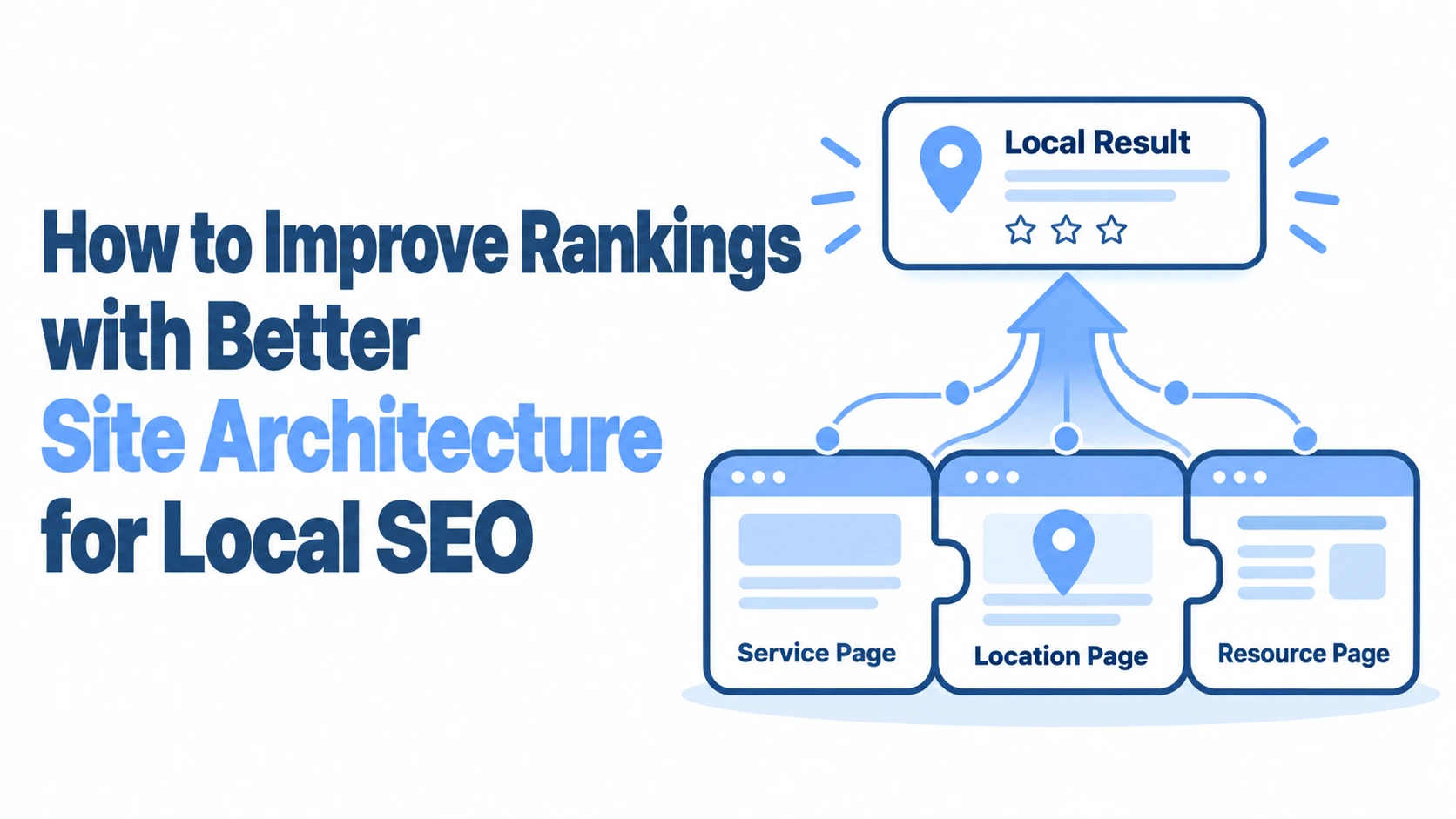
Most local businesses treat their website like a digital brochure: a homepage, an about page, a contact form, and maybe a blog they update twice a year.
But the way your site is structured has a direct effect on whether Google understands where you operate, what you offer, and how relevant you are to someone searching “plumber near me” from their phone.
If you want to improve your local search rankings through better site architecture, the changes are often simpler than you’d expect, but they require a clear plan.
A well-organised site tells both Google and your customers exactly what they need to know, and it does so without making anyone click through five pages to find a phone number.
This guide breaks down the structural decisions that actually move the needle for local visibility, from URL hierarchies and internal linking to schema markup and performance metrics.
The Fundamentals of Local SEO Site Architecture
Your site’s architecture is the skeleton that holds everything together. Get it right, and Google can efficiently crawl, index, and rank your pages for the local queries that matter. Get it wrong, and you end up with orphaned pages, diluted authority, and confused search engines that can’t figure out which of your three “Services” pages to show for a given search.
Defining the Hub-and-Spoke Model for Regional Authority
The hub-and-spoke model is the most effective framework for local businesses with multiple service areas or locations. The “hub” is a central page, typically your homepage or a primary location page, that acts as the authority anchor. “Spokes” are the individual pages that branch off from it: service pages, area-specific landing pages, blog posts targeting local topics.
Think of a Manchester-based estate agency that also serves Stockport, Salford, and Bolton. The homepage functions as the hub, linking out to dedicated location pages for each area. Each location page then links to relevant service pages (valuations, lettings, sales) that are specific to that area. This creates a clear topical cluster that signals to Google: “We are an estate agency, and we serve these specific areas with these specific services.”
The key is keeping your hierarchy shallow. Most pages should be reachable within two or three clicks from the homepage. Deep, buried pages rarely rank well because they receive less internal link equity and are harder for crawlers to discover.
How Crawlability Impacts Local Search Visibility
If Googlebot can’t reach a page, that page doesn’t exist as far as search results are concerned. Crawlability issues are surprisingly common on local business websites, especially those built on page builders with excessive JavaScript rendering or poorly configured navigation menus.
A clean XML sitemap submitted through Google Search Console is the baseline. But beyond that, your internal linking structure needs to create clear pathways between pages. Broken links, redirect chains (where page A redirects to B, which redirects to C), and pages blocked by robots.txt all create crawl obstacles. Run a site audit using Screaming Frog or a similar crawler at least quarterly. You’d be surprised how often a CMS update or a theme change quietly breaks internal links that were previously working fine.
Page load speed also affects crawl efficiency. Google allocates a “crawl budget” to each site, and if your pages take too long to load, fewer pages get crawled per session. For a small local site with 30-50 pages, this rarely becomes critical, but it compounds quickly for multi-location businesses with hundreds of pages.
Structuring Location-Specific Landing Pages
This is where many local businesses either excel or completely fall apart. A single “Areas We Serve” page with a bullet list of 15 towns is not a location strategy. Each area you genuinely serve deserves its own page with unique, relevant content.
Organising Multi-Location Hierarchies
The URL structure should mirror your business’s geographic reality. If you’re a plumbing company based in Leeds that serves surrounding areas, your hierarchy might look like this:
- /leeds/ (primary location hub)
- /leeds/emergency-plumbing/
- /leeds/boiler-installation/
- /harrogate/ (secondary location hub)
- /harrogate/emergency-plumbing/
- /harrogate/boiler-installation/
Each location hub page should contain genuinely useful information about your services in that area: response times, specific team members who cover the area, local landmarks or references that demonstrate real presence. Google has become very good at identifying “doorway pages” (thin, templated location pages that only swap out the city name), and these can actually harm your rankings rather than help.
For businesses with a physical presence in multiple locations, each location page should also include its own Google Maps embed, address, and operating hours. This reinforces the connection between your website and your Google Business Profile for each location.
Optimising URL Slugs for Local Intent
Your URL slugs should be descriptive, concise, and include the location name where relevant. Avoid auto-generated slugs that produce URLs like /page-id-4827/ or /services-copy-2/. A URL like /bristol/roof-repairs/ immediately tells both users and search engines what the page is about and where it’s relevant.
Keep slugs lowercase, use hyphens to separate words, and avoid stuffing them with keywords. /glasgow/best-cheapest-affordable-boiler-installation-glasgow-scotland/ is not helping anyone. Stick to the pattern: /location/service/ for service-area pages, and /location/ for location hub pages. Consistency matters more than cleverness here.
Integrating NAP Data into the Site Framework
NAP stands for Name, Address, Phone number, and consistency across your website is non-negotiable. Every location page should display the correct NAP data for that specific location, and it should match exactly what appears on your Google Business Profile, your citations on directory sites, and anywhere else your business is listed.
The most reliable approach is to include NAP data in structured HTML (not embedded in an image or rendered via JavaScript) in the footer of every page, with location-specific NAP on the relevant location pages. If you have one location, your footer NAP covers it. If you have multiple, each location page should prominently display its own details while the footer can reference your primary location or link to a “Locations” page.
A tool like VisiLocali’s GBP Audit can help you spot inconsistencies between your website’s NAP data and your Google Business Profile. Even small discrepancies, like “St.” versus “Street” or a missing suite number, can create confusion for Google’s local algorithms.
Strategic Internal Linking for Local Relevance
Internal links are how you distribute authority and relevance throughout your site. For local SEO, they’re also how you tell Google which pages are most important for which geographic areas.
Distributing Page Authority from the Homepage
Your homepage almost always carries the most authority on your site. It’s the page that receives the most backlinks, the most direct traffic, and the most crawl attention. How you link from your homepage determines where that authority flows.
For a local business, your homepage should link directly to your primary location pages and your most important service pages. If you serve five areas, those five location pages should be accessible from your homepage navigation or prominently linked within the page content. Every click deeper into your site dilutes the authority slightly, so keep your most important local pages as close to the homepage as possible.
Avoid hiding location pages behind dropdown menus that require hover interactions, especially on mobile. A hamburger menu that opens to reveal a “Locations” submenu with another expandable list inside it creates unnecessary friction for both users and crawlers.
Using Breadcrumbs to Enhance User Navigation
Breadcrumbs serve a dual purpose: they help users understand where they are within your site, and they provide Google with additional structural context. A breadcrumb trail like Home > Glasgow > Boiler Installation tells Google that this page sits within the Glasgow section of your site and relates to boiler installation services.
Implement breadcrumbs using BreadcrumbList schema markup so Google can display them directly in search results. This structured data helps Google understand your page hierarchy and can improve click-through rates by showing users the navigation path before they even visit your site.
Most modern CMS platforms and SEO plugins support breadcrumb generation automatically. If you’re using WordPress, plugins like Yoast or Rank Math handle this well. The important thing is ensuring your breadcrumb structure matches your actual URL hierarchy rather than generating generic trails.
Contextual Linking Between Service Pages and Local Hubs
Beyond navigation links, you should be creating contextual internal links within your page content. When your “Boiler Installation” service page mentions that you cover the Bristol area, that mention should link to your Bristol location page. When your Bristol location page describes the services available, each service name should link to its respective service page.
This creates a web of relevance that reinforces the topical and geographic connections between your pages. It’s not about cramming links everywhere; it’s about linking where a reader would naturally want more information. If someone reading about your emergency plumbing service in Salford would benefit from seeing your Salford-specific pricing or response times, that’s a natural link opportunity.
Aim for two to four contextual internal links per page. More than that starts to feel spammy, and fewer means you’re missing opportunities to guide both users and crawlers through your content.
Enhancing User Experience for Local Audiences
Google’s ranking algorithms increasingly factor in user experience signals. A site that’s technically well-structured but miserable to use on a phone will struggle to compete with one that loads fast and works smoothly.
Mobile-First Design for On-the-Go Searchers
Over 75% of local searches happen on mobile devices, and Google uses mobile-first indexing, meaning it evaluates the mobile version of your site for ranking purposes. If your site looks great on desktop but the mobile version has tiny text, overlapping elements, or buttons that are impossible to tap, you’re actively hurting your rankings.
For local businesses, mobile experience is especially critical because of how people search locally. Someone looking for “emergency locksmith near me” at 11pm is on their phone, probably stressed, and needs to find your phone number within seconds. Your mobile layout should put the phone number, address, and a clear call-to-action above the fold on every location page.
Test your site on actual devices, not just Chrome’s responsive mode. Load it on an older Android phone over a 4G connection. If it takes more than three seconds to become usable, you have work to do.
Optimising Core Web Vitals for Regional Performance
Core Web Vitals, Google’s set of page experience metrics, measure loading performance (Largest Contentful Paint), interactivity (Interaction to Next Paint), and visual stability (Cumulative Layout Shift). These aren’t theoretical nice-to-haves; they’re confirmed ranking factors.
For local businesses, the most common culprits behind poor Core Web Vitals are unoptimised images (especially hero images on location pages), third-party scripts (chat widgets, analytics tools, social media embeds), and render-blocking CSS or JavaScript from page builder themes.
Start by running your key location pages through Google’s PageSpeed Insights. Focus on fixing issues flagged as “Opportunities” and “Diagnostics.” Compressing images, lazy-loading below-the-fold content, and minimising unused CSS can often improve your LCP score by 30-50% without any redesign work.
Leveraging Structured Data to Clarify Architecture
Structured data (schema markup) is how you explicitly tell Google what your pages represent. For local businesses, this is one of the most underused tools available.
Implementing LocalBusiness Schema Across the Directory
Every location page on your site should include LocalBusiness schema markup (or a more specific subtype like Plumber, Dentist, or RealEstateAgent). This markup should include your business name, address, phone number, opening hours, geographic coordinates, and the URL of your Google Business Profile.
Here’s what a basic implementation covers:
- @type: the specific business category
- name, address, telephone: your NAP data
- openingHoursSpecification: your operating hours for that location
- geo: latitude and longitude coordinates
- url: the canonical URL of the location page
- areaServed: the geographic areas you cover from that location
You can validate your markup using Google’s Rich Results Test. Errors in your schema, like mismatched addresses or missing required fields, can prevent Google from using the data entirely. VisiLocali’s GBP Audit tool checks for alignment between your Google Business Profile data and what’s on your website, which is particularly useful when you’re implementing or updating schema markup across multiple locations.
Using SameAs Properties to Connect Social and Local Profiles
The sameAs property in your schema markup tells Google that your business entity is the same one represented on other platforms. This helps Google build a more complete understanding of your business and can strengthen your local entity signals.
Include sameAs links to your Google Business Profile, your Facebook page, your LinkedIn company page, your Instagram profile, and any relevant industry directories where your business is listed. This creates a connected web of references that reinforces your business identity across the internet.
Don’t include sameAs links to profiles you don’t actively maintain or that contain outdated information. A dormant Twitter account with your old address does more harm than good. Keep this list current and accurate.
Measuring the Impact of Architectural Changes on Local Rankings
Making structural changes to your site without measuring their impact is like renovating a shop without ever checking whether more customers walk in. You need a clear before-and-after picture.
Before making any changes, benchmark your current local rankings across your target areas. VisiLocali’s Local Rank Tracker is built for exactly this: it shows you where your business ranks on Google Maps across different grid points in your service area, giving you a visual map of your visibility rather than a single, misleading “average position” number.
After implementing architectural changes, give Google two to four weeks to recrawl and reprocess your site. Then compare your ranking grids. Did your visibility expand into new areas? Did specific location pages start ranking for their target queries? Did your overall map presence improve?
Track these metrics alongside user behaviour data from Google Analytics: are people spending more time on your location pages? Are bounce rates dropping? Is the click-to-call rate increasing on mobile? Architectural improvements should produce measurable gains in both search visibility and user engagement.
Don’t make all your changes at once if you can avoid it. Stagger them: fix your URL structure first, then implement schema markup, then overhaul your internal linking. This way, you can attribute ranking changes to specific improvements rather than guessing which change made the difference.
The businesses that see the biggest gains from site architecture improvements are the ones that treat it as an ongoing programme rather than a one-off project. Search engines evolve, your business grows into new areas, and competitors adjust their own strategies. Review your site structure at least twice a year, audit your internal links quarterly, and keep your NAP data and schema markup current.
If you’re not sure where your local visibility stands right now or what’s holding your Google Business Profile back, VisiLocali offers a 14-day free trial across all plan tiers. It’s a practical way to audit your profile, track your local rankings on a visual grid, and get clear recommendations on what to fix first, built by a local SEO specialist with over a decade of experience. Sometimes the biggest ranking improvements come not from creating new content, but from reorganising what you already have.
