 Skip to content

You search your business name, then try “plumber near me” or “accountant in Leeds”, and your listing is nowhere to be found. The website appears, perhaps, but the Google Maps panel is missing, the address is wrong, or an old profile has already claimed the business. This is the point where many owners ask how to get Google listed, when the core task is to create, verify and maintain a reliable Google Business Profile.
For UK businesses, Google is the main gateway to local discovery. Google held about 93.5% of UK desktop-and-mobile search share in July 2025, making a Business Profile the default visibility channel for most local businesses, according to UK local SEO reporting on Google's market position. The process isn't difficult, but small decisions about your name, category, address, services and verification can decide whether customers find you.
Table of Contents
- Why Getting Google Listed Matters for UK Businesses in 2026
- Claiming Your Google Business Profile the Right Way
- Verification Options and How to Handle UK Delays
- Optimising Core Fields for Relevance and Prominence
- Tracking Maps Visibility and Query-Level Discovery
- Troubleshooting Suspensions and Guideline Issues
- A 30-Day Plan to Keep Your Listing Moving Forward
Why Getting Google Listed Matters for UK Businesses in 2026
A Google Business Profile is the information panel Google uses to represent a business in Search and Google Maps. It can show your trading name, category, opening hours, phone number, website, services, photographs, reviews and location. Customers can call, request directions, visit your website or compare your profile with nearby alternatives without opening a separate directory.
That matters because local searches usually carry immediate intent. Someone searching for an emergency electrician in Birmingham isn't conducting abstract research. They may need a phone number, opening hours or directions. UK local SEO reporting says around 70% of Google Business Profile views come from Google Maps rather than classic Search, so appearing on the map is central to local visibility, not a secondary extra. See the UK local search analysis of Maps-led profile views for the market context.

A listing is the beginning, not the finish
Google's local results mainly use relevance, distance and prominence. Relevance measures how well your profile matches the search. Distance considers how close the business is to the searcher. Prominence reflects how well-known the business appears, including signals such as website links and review volume, as outlined in this summary of Google's local ranking signals.
The practical consequence is straightforward:
- Relevance: Use the category and service language customers search for.
- Distance: Represent your real premises or service area accurately.
- Prominence: Build a credible, complete profile that earns attention and customer actions.
A verified profile with incomplete hours, weak categories and no useful photographs may technically be listed but still underperform. UK reporting says complete profiles can receive about 5x more views than incomplete ones, while profiles with photos can earn 7x more clicks than profiles without them, according to Google Business Profile statistics for UK-facing businesses.
Claiming Your Google Business Profile the Right Way
Start at Google Business Profile creation and search for your business before creating anything new. You may find an unclaimed profile, a duplicate, or a listing controlled by a former employee or agency. Claim the existing profile where possible, because creating another one can split reviews and confuse Google.
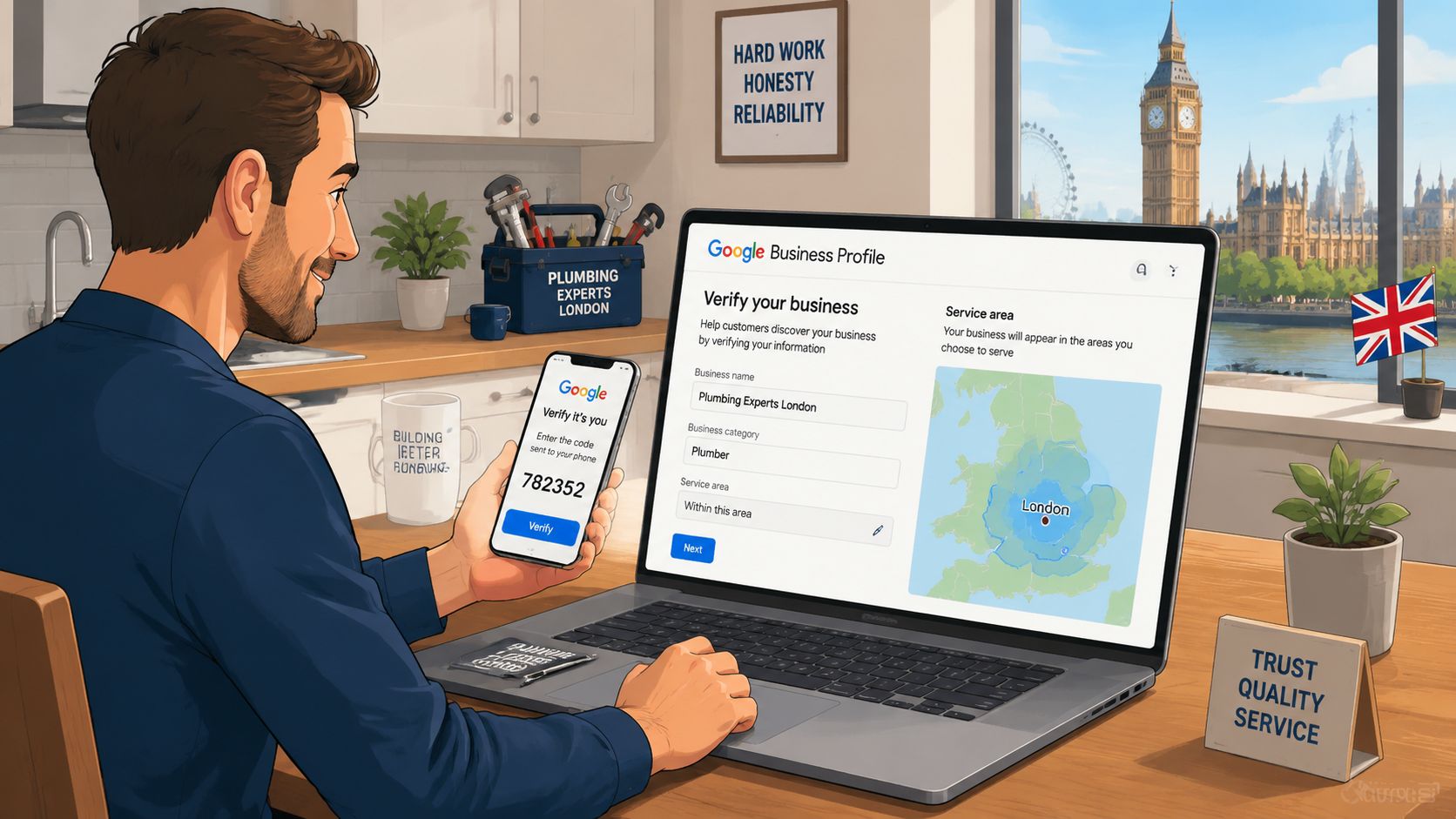
Use the real business identity
Your business name must match the legal or trading name customers see in the world. Don't add phrases such as “best emergency plumber Manchester” or “Bristol family solicitor” to gain extra keywords. The UK guidance on Google Business Profile business names says keyword additions and location spam can breach the guidelines and put the profile at risk of suspension.
Choose the most specific primary category that describes what the business mainly does. A Manchester plumbing company should normally choose Plumber, rather than a broad category such as Home Improvement. Add secondary categories only where they accurately describe substantial services. Categories influence relevance, but a long list of loosely related categories can make the profile look unfocused.
Match the address setting to the business model
A shop, clinic or office where customers visit should use its genuine staffed address. Check that the address is precise and consistent with the business's real-world presence. Google's Business Profile guidance for UK businesses says businesses should use an accurate address or service area, represent themselves consistently, choose only the categories needed and maintain one profile per business.
A service-area business, such as a mobile dog groomer, roofer or domestic cleaner, should define the areas it serves rather than displaying an address where customers can't visit. Don't use a virtual office, a post-only address or a relative's address to create a stronger location signal. That shortcut may seem useful at first, but it creates verification and compliance problems later.
Fill in the phone number, website, opening hours, special hours, services and description before you start promoting the profile. The information should agree with your website and other business listings. Consistency reduces avoidable confusion when Google checks whether the profile represents a real, operating business.
Verification Options and How to Handle UK Delays
Google decides which verification methods are available for each profile. You may see postcard, phone, email or video verification, but you can't always select your preferred option. In current UK guidance, video verification is the default for many businesses, while postcard verification can be unreliable for flats, shared addresses and regulated categories.
The method matters less than the evidence. Google wants to establish that the business exists at the stated location or operates as a service-area business. Prepare proof before you begin rather than submitting a rushed video with no identifiable business material.
UK Google Business Profile Verification Methods Compared
| Method | Typical UK Timeline | Best For |
|---|---|---|
| Postcard | Often delayed where addresses are shared or difficult to access | Businesses with a clearly staffed, publicly recognised premises |
| Phone | Depends on whether Google offers it | Businesses with a working number that can receive the verification call or message |
| Depends on account and profile eligibility | Businesses with an established business email available to Google | |
| Video | Google may request a review after submission | Service-area businesses, regulated businesses and locations that need visual proof |
Google Help users report verification cases expected to take 3–5 days stretching to weeks or months, as documented in this Google Business Profile verification discussion. Treat the displayed estimate as an indication, not a guarantee.
For video, show street signs, permanent signage, equipment, branded vehicles, the entrance and evidence that staff can access the premises. A service-area tradesperson should show tools, documents or branded equipment that connect the business to the profile, without exposing private customer information.
Practical rule: If the code doesn't arrive, don't create a second profile. Check the address, request another available verification method, and contact support through the Google Maps business listing guidance.
Keep screenshots of submissions, reference numbers and supporting documents. If Google suspends the profile during verification, that record gives you a cleaner reinstatement case than repeated edits made without evidence.
Optimising Core Fields for Relevance and Prominence
Completeness only helps when each field is accurate. Map every decision to Google's three signals: relevance, distance and prominence. The Google Business Profile ranking guidance identifies profile completeness, relevance, distance and prominence as factors in local ranking.
| GBP field | Primary ranking signal | Common UK mistake |
|---|---|---|
| Primary category | Relevance | Choosing a broad category or adding keywords to the name instead |
| Secondary categories | Relevance | Selecting every vaguely related category |
| Services | Relevance | Leaving services empty or using generic labels |
| Address or service area | Distance | Claiming a location where customers can't visit |
| Opening and special hours | Relevance and prominence | Leaving holiday hours inaccurate |
| Attributes | Relevance | Ignoring useful options such as accessibility or appointment details |
| Description | Relevance | Writing a slogan instead of explaining the service and location |
| Photos and videos | Prominence | Uploading stock images or low-quality, unrelated media |
A Manchester plumber choosing Plumber as the primary category sends a clearer relevance signal than selecting a general building category. A Bristol solicitor might add Solicitor, Family Law Attorney and Estate Planning Attorney when those services are offered. The categories should widen accurate coverage, not manufacture it.
Use a simple field score for internal discipline. Mark each core field complete, partly complete or missing, then prioritise missing category, service, hours and contact information before cosmetic edits. Google's local ranking model doesn't turn this into a published numerical formula, but the score helps a team identify neglected information consistently.
Write useful copy and upload credible media
The description gives you a 750-character space to explain what you do, where you work and who you help. That limit is stated in Google's Business Profile guidance. Write one compact explanation containing the main service, relevant local coverage, customer type and a practical differentiator. Don't repeat a slogan or stuff every town name into the paragraph.
Use clear photographs of the premises, team, equipment and work in progress. Upload images at a usable quality, with 720p as the minimum for practical photo presentation, and preserve genuine EXIF data where available so the media retains ordinary capture context rather than looking artificially manipulated. Avoid adding location data that falsely implies a visit or service took place somewhere it didn't.
Watch Maps views, direction requests, calls and website clicks after making changes. Those actions tell you more than a profile that merely exists. A category change that produces better discovery and more customer actions deserves to stay. An edit that reduces relevant visibility should be reviewed rather than defended because it looked good on paper.
Tracking Maps Visibility and Query-Level Discovery
Google Business Profile performance data is the starting point, not the full answer. It can show search queries and actions such as Maps views, phone calls, direction requests and website clicks, but a business owner still needs to know where the profile appears across the service area.
Separate discovery searches from direct searches. A direct search uses the business name, while a discovery search uses a category, product or service, such as “emergency plumber Leeds”. UK local SEO reporting says roughly 84% of Google Business Profile discovery searches are category, product or service queries rather than brand queries, so branded visibility can create a misleading sense of success. The UK local SEO data on discovery searches and Maps visibility supports tracking both types separately.
Turn local rankings into a map, not a guess
A geo-grid is a set of points placed around a business location. A rank tracker checks the Google Maps results from each point, showing where the profile appears strongly and where it disappears. That matters because one search from the office doesn't represent every nearby customer.
Set up a scan for the primary service plus the target town, then choose a radius that reflects the actual service area. Use a tighter radius for a shop or clinic, and a wider one for a mobile tradesperson. Select a grid size that gives useful coverage without turning the report into noise, then repeat the scan consistently so changes can be compared.
Add credible local competitors to the comparison. Don't select businesses solely because they rank in one isolated search. Choose profiles that compete for the same service and customer location, then compare their categories, services, reviews, photos, posts and profile completeness.
Use daily Google Maps rank tracking to establish a baseline before changing categories, services or media. After each meaningful optimisation, run a comparable scan and record whether visibility improved, stayed flat or weakened. VisiLocali can track GBP geo-grid rankings and present side-by-side competitor profile data with AI insights and recommendations, which makes the next action easier to identify.
The 14-day free trial is a practical way to run a before-and-after comparison without committing budget. Pair the scan with GBP performance data, because a stronger map position matters most when it leads to calls, direction requests, website visits or other customer actions.
Troubleshooting Suspensions and Guideline Issues
A missing profile may reflect an eligibility or compliance problem rather than weak optimisation. UK businesses commonly face verification and suspension issues when the business name, address or practitioner setup conflicts with Google's rules. Virtual offices, PO Boxes, unstaffed coworking addresses, unverifiable shopping-centre units and serviced-office addresses can all cause trouble.
Keyword-stuffed names are another frequent trigger. Multiple practitioner profiles at one location can also create problems if they do not represent eligible, distinct practitioners. A service-area business cannot claim an address solely because it receives post there. A practitioner profile should represent the practitioner, not duplicate the main practice listing.
Identify the type of suspension
A soft suspension may leave the profile visible to its owner while other users see it greyed out or unavailable. A hard suspension removes the listing from Search and Maps. Avoid random edits and do not open a replacement profile while the issue is being reviewed.
Submit a reinstatement request based on clear, verifiable facts:
Reinstatement wording: “Our business operates as [business name] at [accurate address]” or “Our business serves customers at their locations and doesn't receive customers at the hidden address. We have corrected the profile to match the guidelines.”
Attach evidence that supports the statement:
- Premises evidence: Exterior signage, entrance photographs, lease or rate documents and proof that staff operate there.
- Service evidence: Branded vehicle, tools, work documents, insurance or trading records for a service-area business.
- Identity evidence: Company registration or trading documentation that matches the profile name.
- Correction evidence: Screenshots showing removed keyword text, corrected address settings or merged duplicates.
Google Help reports that verification delays can extend beyond the expected 3–5 days. Do not promise a fixed recovery date. Keep the case reference, submit one consistent explanation and avoid conflicting appeals.
If an appeal fails, contact Google Business Profile support through its social channels and escalate through the GBP community forum. Creating a fresh profile while reinstatement remains pending is a last resort. It can create duplicate listings and make ownership harder to resolve. Use this guide to suspended Google Business Profiles to organise the evidence and correction process before escalating. Once reinstated, review the profile regularly, because an unchanged compliance issue can trigger another suspension.
A 30-Day Plan to Keep Your Listing Moving Forward
A profile can be correctly listed and still deteriorate through neglect. Opening hours change, services evolve, photographs become dated and reviews go unanswered. Treat maintenance as a recurring operating task, not a launch chore.
Week one
Publish a Google post containing a genuine offer, service update or business announcement. Upload three geo-tagged photos covering the shopfront, a work-in-progress scene and the team, provided the images accurately represent your business. Add two useful FAQs in the Q&A area, writing answers that address questions customers regularly ask.
Week two
Respond to every existing review with a specific, human reply. Ask three recent customers for honest reviews, without offering incentives or trying to dictate their wording. Check opening hours, special hours, attributes and services, then correct any missing or outdated information.
Week three
Add a current product or service line with pricing where Google provides the relevant field. Publish a second post with a different purpose from the first, such as an explanation of the service or a seasonal reminder. Replace the weakest photographs with genuine images that show the people, equipment or premises customers will encounter.
Week four
Run a geo-grid scan for the main service and target town. Compare it with the baseline, note areas where visibility has strengthened or weakened, and record the next month's posts, photo needs, review activity and field changes. Don't alter everything at once, because you won't know which decision affected the result.
Use GBP performance data alongside the scan. Maps views, discovery queries, calls, direction requests and website clicks provide the action layer, while the grid shows geographic coverage. VisiLocali's 14-day free trial gives you a short, practical window to test that before-and-after process and keep ranking data moving instead of relying on occasional manual searches.
Use VisiLocali to track Google Business Profile rankings, compare your profile side by side with competitors, and receive AI insights and recommendations for the next improvements. Start the 14-day free trial to measure your Maps visibility before and after each change, then act on the gaps that matter most.
