
Most local businesses spend hours perfecting their Google Business Profile, gathering reviews, and building citations, yet completely overlook one of the simplest technical fixes that can improve how search engines find and index their location pages.
A well-structured sitemap tells Google exactly which pages matter, how they relate to each other, and which ones deserve priority crawling.
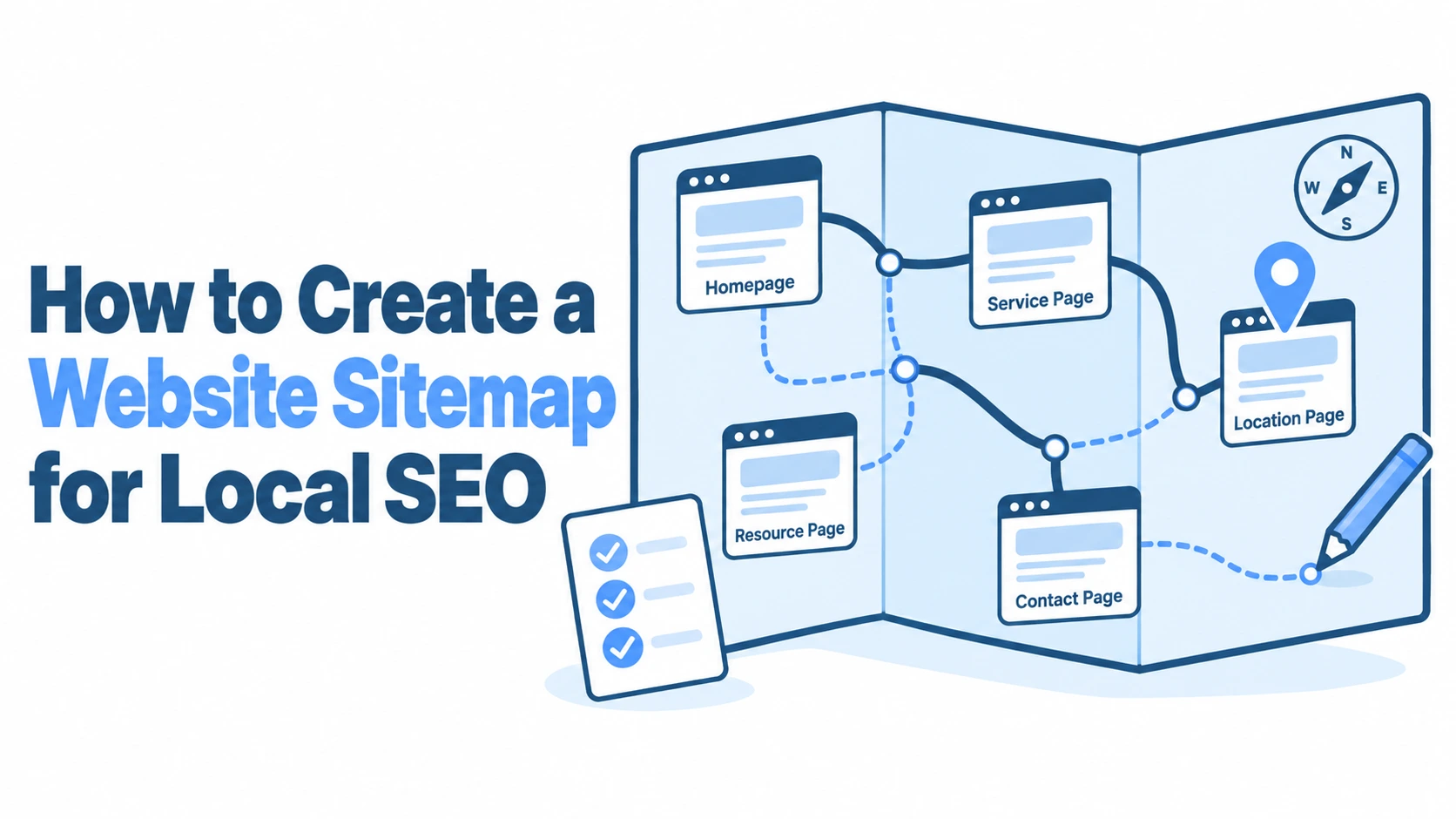
If you’ve been wondering how to create a website sitemap that actually supports your local SEO efforts, this guide walks through the entire process: from understanding why sitemaps matter for local search, to building, submitting, and maintaining one that keeps working as your business grows.
Whether you run a single plumbing business in Bristol or manage a chain of dental practices across the Midlands, getting this right can make a measurable difference in how quickly your geo-specific pages appear in search results.
The Role of Sitemaps in Local Search Performance
A sitemap is essentially a roadmap you hand to search engines. For businesses targeting customers in specific areas, that roadmap needs to highlight the pages most relevant to local queries. Without one, Google’s crawlers are left to discover your location pages on their own, and they don’t always do a thorough job, especially on smaller sites where internal linking might be thin.
Enhancing Crawlability for Geo-Specific Pages
If you’ve built individual landing pages for each area you serve (say, separate pages for Leeds, Bradford, and Wakefield), those pages need to be crawled and indexed before they can rank. The problem is that many local service sites bury these pages two or three clicks deep, behind dropdown menus or footer links that crawlers sometimes miss.
A sitemap solves this by listing every important URL directly. Googlebot doesn’t need to follow a chain of links to find your “Boiler Repair in Harrogate” page: it sees the URL in your sitemap and queues it for crawling. For sites with 20, 50, or even 100 location pages, this can cut the time between publishing a page and seeing it indexed from weeks down to days.
How XML Sitemaps Signal Local Relevance to Search Engines
An XML sitemap does more than just list URLs. It includes metadata like the last modification date, which tells Google when you last updated a page. If you’ve recently refreshed your Manchester service page with new pricing, updated testimonials, or seasonal offers, the sitemap’s <lastmod> tag signals that the page deserves a fresh crawl.
Search engines also use sitemap structure to understand your site’s hierarchy. When your sitemap groups location pages together and assigns them appropriate priority values, it reinforces the idea that these pages are central to your site’s purpose, not afterthoughts. This doesn’t guarantee higher rankings on its own, but it removes a common barrier: pages that simply aren’t being found or re-crawled often enough.
Essential Components of a Local SEO Sitemap
Not every page on your site belongs in your sitemap. The goal is to include pages that serve your local SEO strategy and exclude those that don’t add value, like tag archives, duplicate content, or thin placeholder pages.
Prioritising Location Landing Pages
Your location landing pages should be the backbone of your local sitemap. These are the pages targeting queries like “electrician in Glasgow” or “estate agent near Cheltenham.” Each one should have its own URL in the sitemap with an accurate <lastmod> date.
A common mistake is including location pages that are essentially identical except for the city name swapped in. Google has been penalising this kind of thin, templated content since the helpful content updates. Before adding a location page to your sitemap, make sure it contains genuinely unique content: local testimonials, area-specific service details, or references to local landmarks and neighbourhoods.
Including Local Service and Category Pages
Beyond location pages, your service category pages often carry local intent too. A page titled “Emergency Plumbing Services” that mentions your service area, includes local phone numbers, and references your Google Business Profile is worth including.
Think about the pages that answer the questions your customers actually ask. If someone in Birmingham searches “same-day boiler repair,” which page on your site should appear? That’s the page your sitemap needs to feature. Category pages that group services by type (residential vs. commercial, for instance) also help search engines understand the breadth of what you offer in each area.
Incorporating Image and Video Assets for Local Content
If your site includes before-and-after photos of local projects, video testimonials from customers, or walkthrough videos of your premises, consider creating separate image and video sitemaps. These help Google index your visual content and can earn you placement in image search results and video carousels, both of which drive local traffic.
An image sitemap uses the <image:image> tag within your standard sitemap, while video sitemaps use <video:video> with fields for title, description, thumbnail URL, and duration. For a roofing company that photographs every completed job, this is an easy win: those project photos can appear when someone searches “roof replacement [your town]” in Google Images.
Step-by-Step Guide to Generating Your Sitemap
Building a sitemap for local SEO isn’t complicated, but the approach depends on your site’s platform and complexity. Here’s how to handle it whether you’re using a popular CMS or working with a custom-built site.
Using CMS Plugins for Automatic Generation
If your site runs on WordPress, the fastest route is a plugin like Yoast SEO or Rank Math. Both generate XML sitemaps automatically and update them whenever you publish or modify a page.
With Yoast, your sitemap lives at yoursite.com/sitemap_index.xml by default. You can control which post types and taxonomies are included through the plugin’s settings. For local SEO, make sure your location pages and service pages are set to “indexable” while noindexed pages (like privacy policies or internal landing pages for PPC campaigns) are excluded.
Rank Math offers similar functionality with a bit more granular control. You can set per-page priority and change frequency values directly from the post editor. For businesses managing dozens of location pages, this level of control saves time compared to editing raw XML.
Manual Creation for Custom Local Architectures
Some local businesses use custom-built sites or headless CMS setups where plugins aren’t an option. In these cases, you’ll need to create your sitemap manually or use a script to generate it.
A basic XML sitemap follows this structure:
<?xml version="1.0" encoding="UTF-8"?>
<urlset xmlns="http://www.sitemaps.org/schemas/sitemap/0.9">
 <url>
 <loc>https://yoursite.com/plumber-leeds/</loc>
 <lastmod>2026-03-15</lastmod>
 <changefreq>monthly</changefreq>
 <priority>0.8</priority>
 </url>
</urlset>
Each <url> block represents one page. For a site with 30 location pages, you’d have 30 of these blocks plus entries for your homepage, service pages, and any other important content. Save the file as sitemap.xml and upload it to your site’s root directory.
If you’re comfortable with scripting, a simple Python or Node.js script can pull URLs from your database and generate the XML automatically. This is particularly useful for multi-location businesses that add new areas regularly.
Validating Sitemap Syntax and Structure
Before submitting your sitemap, validate it. A single missing closing tag or malformed URL can cause the entire file to fail. Google Search Console will flag errors after submission, but catching them beforehand saves time.
Free tools like XML Sitemap Validator or the W3C Markup Validation Service can check your file for syntax errors. Also verify that every URL in your sitemap returns a 200 status code. Including URLs that redirect (301) or return errors (404, 500) wastes your crawl budget and sends mixed signals about your site’s health. Run a quick check using Screaming Frog or a similar crawler to confirm all listed URLs are live and correct.
Optimising Metadata for Local Discoverability
The metadata within your sitemap, specifically <changefreq> and <priority> tags, gives search engines hints about how to allocate crawling resources. While Google has said it doesn’t strictly follow these values, they still influence crawl patterns in practice, particularly for smaller sites.
Setting Change Frequency for Local Event Pages
If your business runs seasonal promotions, local events, or time-sensitive offers, the <changefreq> tag helps signal which pages change often. A page listing your weekly market stall schedule might warrant a weekly value, while your “About Us” page could be set to yearly.
For local service businesses, here’s a practical breakdown:
- Location landing pages:
monthly(assuming you update testimonials or pricing periodically) - Blog posts about local events:
weeklyduring the event period, thenyearlyafterwards - Core service pages:
monthly - Contact page:
yearly
Don’t set everything to daily thinking it will get crawled more often. Google treats unrealistic change frequencies as noise and may ignore them entirely.
Utilising Priority Tags for Key Regional Hubs
The <priority> tag ranges from 0.0 to 1.0 and tells search engines which pages you consider most important relative to each other. Your homepage typically gets 1.0, and everything else falls below it.
For a local SEO sitemap, your main location hub pages (the ones targeting your primary service areas) should sit at 0.8 or 0.9. Secondary location pages for areas where you get less business might be 0.6 or 0.7. Blog posts and supporting content can sit at 0.4 to 0.5. The key is creating a realistic hierarchy that reflects your actual business priorities, not assigning 1.0 to everything.
Submitting and Monitoring via Search Console
Creating a sitemap is only half the job. You need to submit it to search engines and then monitor whether your pages are actually being indexed.
Registering Sitemaps in Google Search Console and Bing Webmaster Tools
In Google Search Console, go to “Sitemaps” in the left sidebar, enter your sitemap URL (typically yoursite.com/sitemap.xml), and click submit. Google will begin processing it within a few hours, though full indexing of all listed URLs can take days or weeks depending on your site’s authority and crawl history.
Don’t skip Bing Webmaster Tools. Bing powers a meaningful share of UK search traffic, particularly among older demographics and through voice assistants. The submission process is nearly identical: log in, navigate to the sitemaps section, and paste your URL.
You should also reference your sitemap in your robots.txt file by adding this line:
Sitemap: https://yoursite.com/sitemap.xml
This ensures any crawler that reads your robots.txt file can find your sitemap without needing it submitted manually.
Analysing Coverage Reports for Indexing Issues
After submission, check back in Google Search Console after a week. The Coverage report shows which URLs were successfully indexed, which were excluded, and why. Common issues for local sites include:
- “Discovered but not indexed”: Google found the page but didn’t think it was worth indexing. This often happens with thin location pages that lack unique content.
- “Duplicate without canonical”: Two or more pages are too similar. If your Leeds and Bradford pages share 90% of the same text, Google may only index one.
- “Crawled but not indexed”: Google crawled the page but decided not to add it to its index. This is a quality signal: the page needs better content.
Fixing these issues often means going back to your location pages and adding genuinely useful, area-specific information. Tools like VisiLocali’s Local Rank Tracker can help here by showing you exactly where your business ranks across different locations in your target area, so you can identify which location pages are performing and which need attention.
Advanced Strategies for Multi-Location Businesses
Running a business with multiple branches or service areas introduces complexity that a single sitemap file can’t always handle efficiently.
Implementing Sitemap Index Files for Large Sites
If your site has more than a few hundred URLs (common for businesses serving dozens of towns or cities), you should use a sitemap index file. This is essentially a sitemap of sitemaps: a master file that points to individual sitemap files, each containing a subset of your URLs.
<?xml version="1.0" encoding="UTF-8"?>
<sitemapindex xmlns="http://www.sitemaps.org/schemas/sitemap/0.9">
 <sitemap>
 <loc>https://yoursite.com/sitemap-locations.xml</loc>
 <lastmod>2026-04-01</lastmod>
 </sitemap>
 <sitemap>
 <loc>https://yoursite.com/sitemap-services.xml</loc>
 <lastmod>2026-03-28</lastmod>
 </sitemap>
</sitemapindex>
This structure keeps each individual sitemap under the 50,000 URL limit and makes it easier to manage. You might have one sitemap for location pages, another for blog posts, and a third for image assets. When you update a single location page, only that specific sitemap’s <lastmod> date changes, which helps Google target its crawling more efficiently.
Aligning Sitemaps with Local Business Schema Markup
Your sitemap and your structured data should tell the same story. If your sitemap lists 15 location pages but your schema markup only defines one LocalBusiness entity, there’s a disconnect that can confuse search engines.
Each location page should include its own LocalBusiness schema with the correct name, address, phone number, opening hours, and geo-coordinates. When these structured data entries match the URLs in your sitemap, you’re giving Google consistent, reinforcing signals about your local presence.
VisiLocali’s GBP Audit Tool can help identify gaps between your Google Business Profile information and what’s on your website. If your GBP lists different opening hours than your location page, or your NAP (name, address, phone) details don’t match, these inconsistencies can undermine both your sitemap’s effectiveness and your local rankings. The audit flags these mismatches and tells you exactly what to fix, which is far more useful than simply receiving a generic “score.”
Maintaining Your Local Sitemap for Long-Term Growth
A sitemap isn’t something you create once and forget. Every time you add a new service area, remove a discontinued service, or restructure your site’s navigation, your sitemap needs updating.
Set a quarterly reminder to audit your sitemap against your live site. Check that every URL in the sitemap returns a 200 status code, that no important pages are missing, and that <lastmod> dates reflect actual updates rather than stale timestamps. If you’ve moved to a new premises or expanded your service area, those changes need to appear in both your sitemap and your Google Business Profile.
For businesses using CMS plugins, most of this happens automatically. But even automated sitemaps can drift: plugins sometimes include pages you’ve since noindexed, or miss new custom post types you’ve added. A manual review catches these gaps before they become indexing problems.
The real payoff comes from treating your sitemap as part of a broader local SEO programme rather than an isolated technical task. When your sitemap, your schema markup, your Google Business Profile, and your on-page content all align, you’re giving search engines every reason to rank your location pages confidently. Pair this with regular monitoring through tools like VisiLocali’s Local Rank Tracker, which uses visual ranking grids to show exactly where you’re visible and where competitors are outperforming you, and you’ll have a clear picture of whether your technical work is translating into real visibility gains.
If you’re ready to take a more structured approach to your local search presence, VisiLocali offers a 14-day free trial across all plans. It’s built by a local SEO specialist with over 10 years of experience, and it’s designed to turn data into clear next steps rather than leaving you staring at dashboards. Card details are required at sign-up to prevent trial abuse, but it’s a low-risk way to see exactly where your business stands and what to prioritise next.
